
AI Professional Headshot Generator
Upload a clear portrait to generate a professional headshot with studio-style lighting, refined business styling, and natural facial detail
AI-powered image editing
Advanced AI Image Editor
Your Professional Headshots
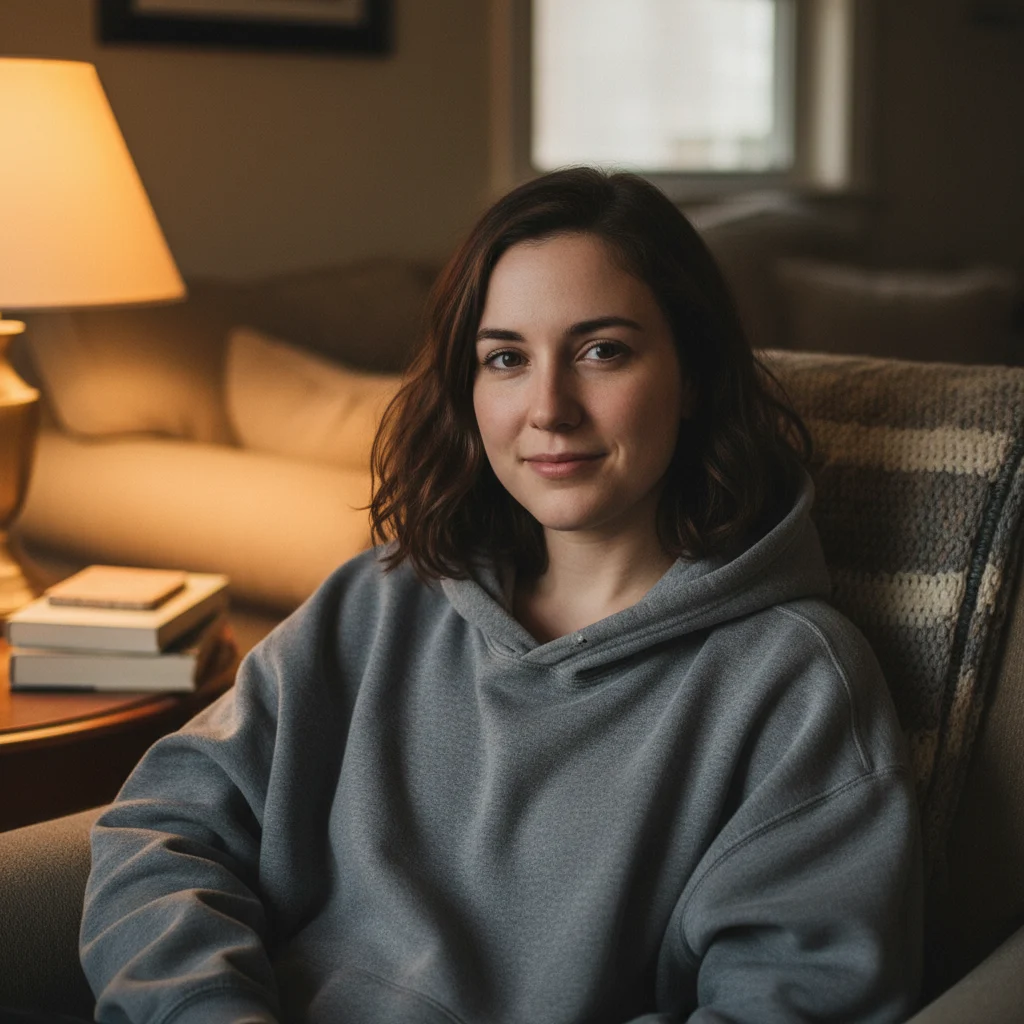
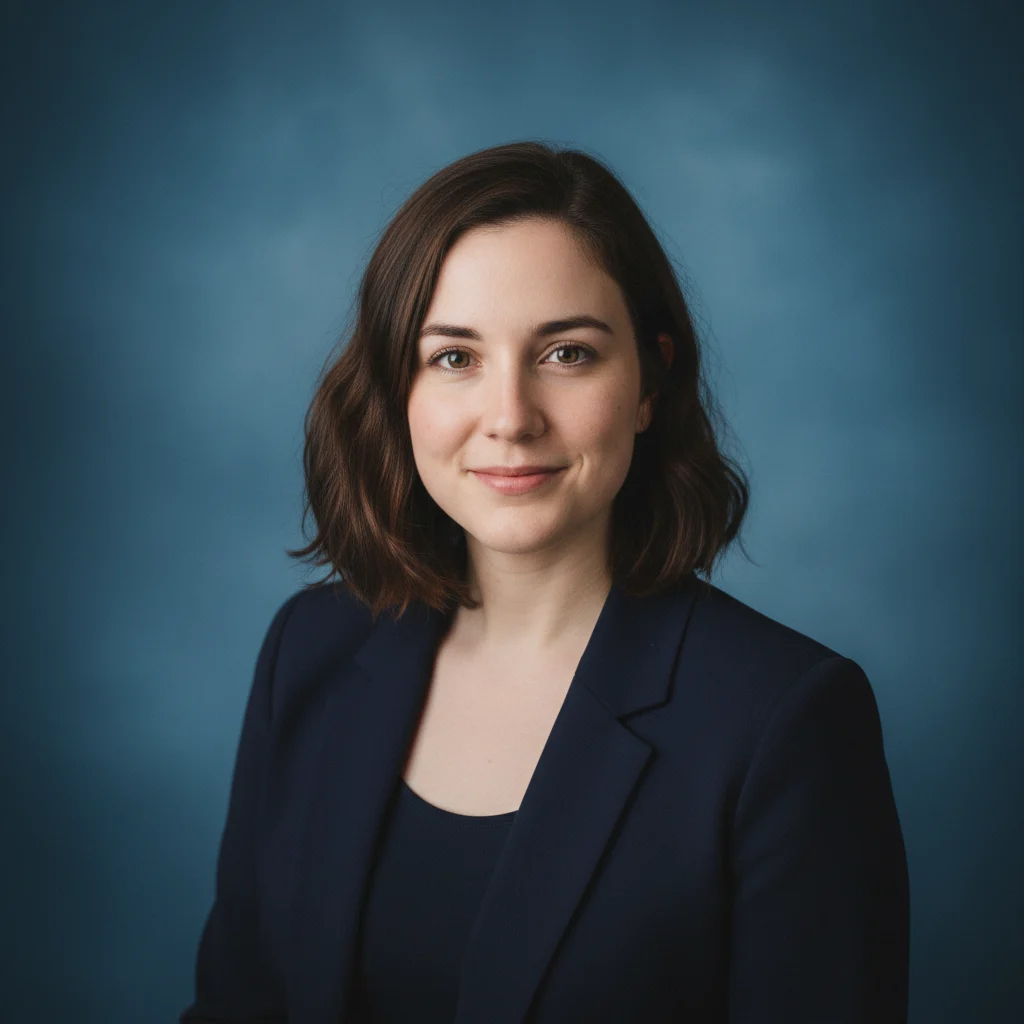
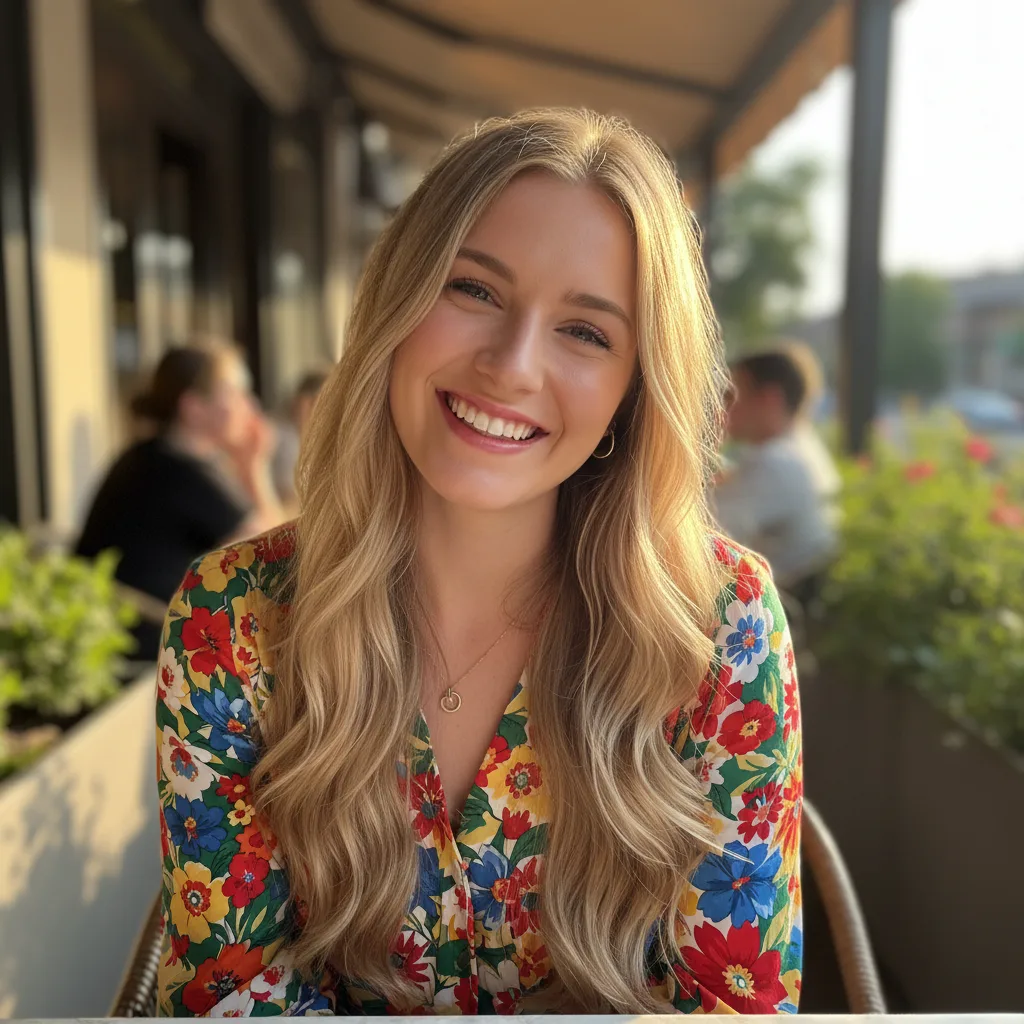
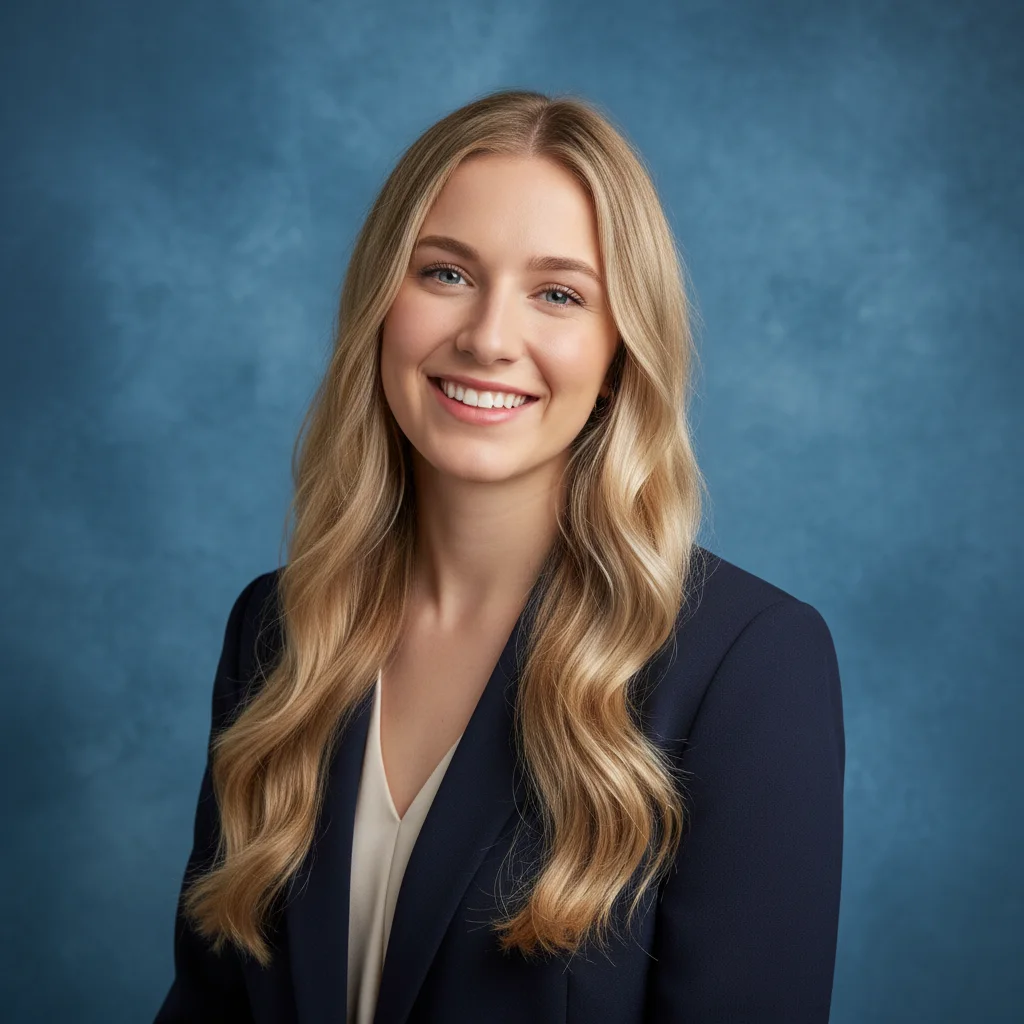
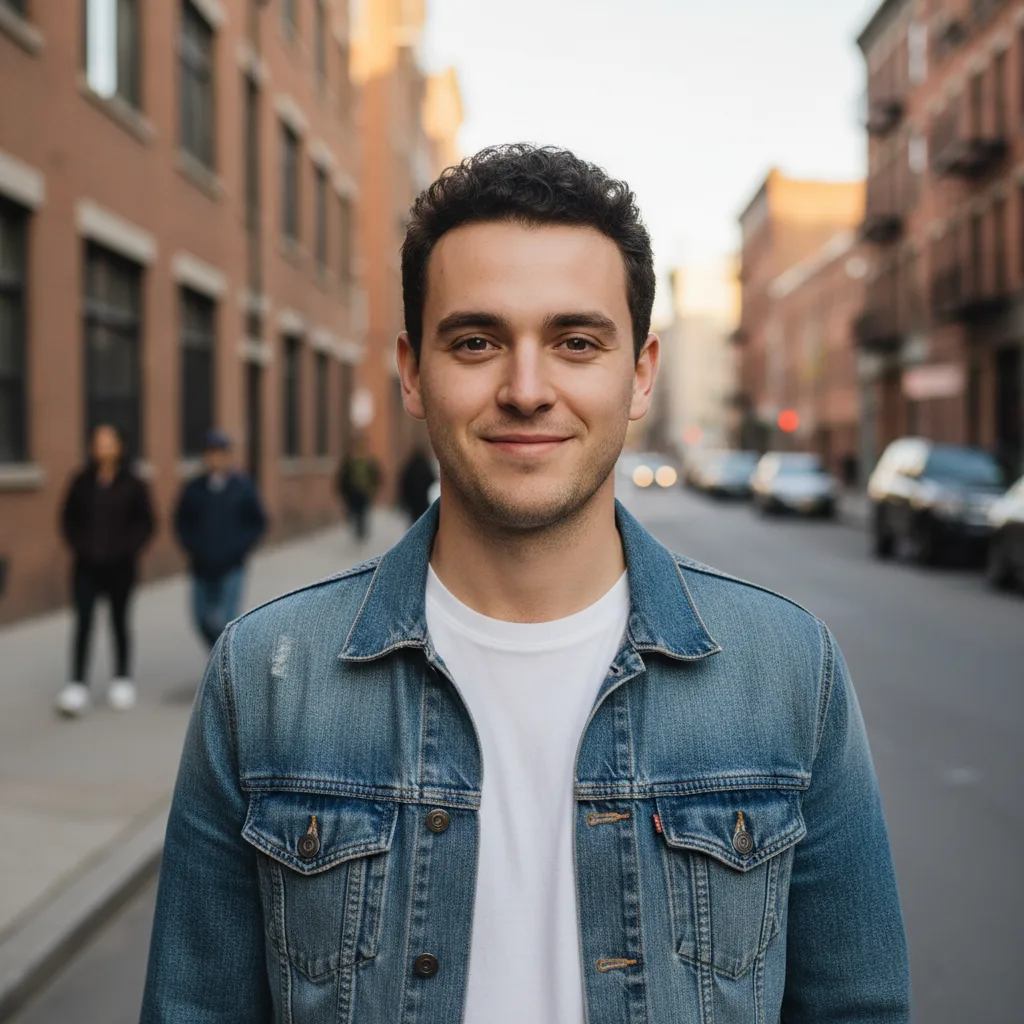
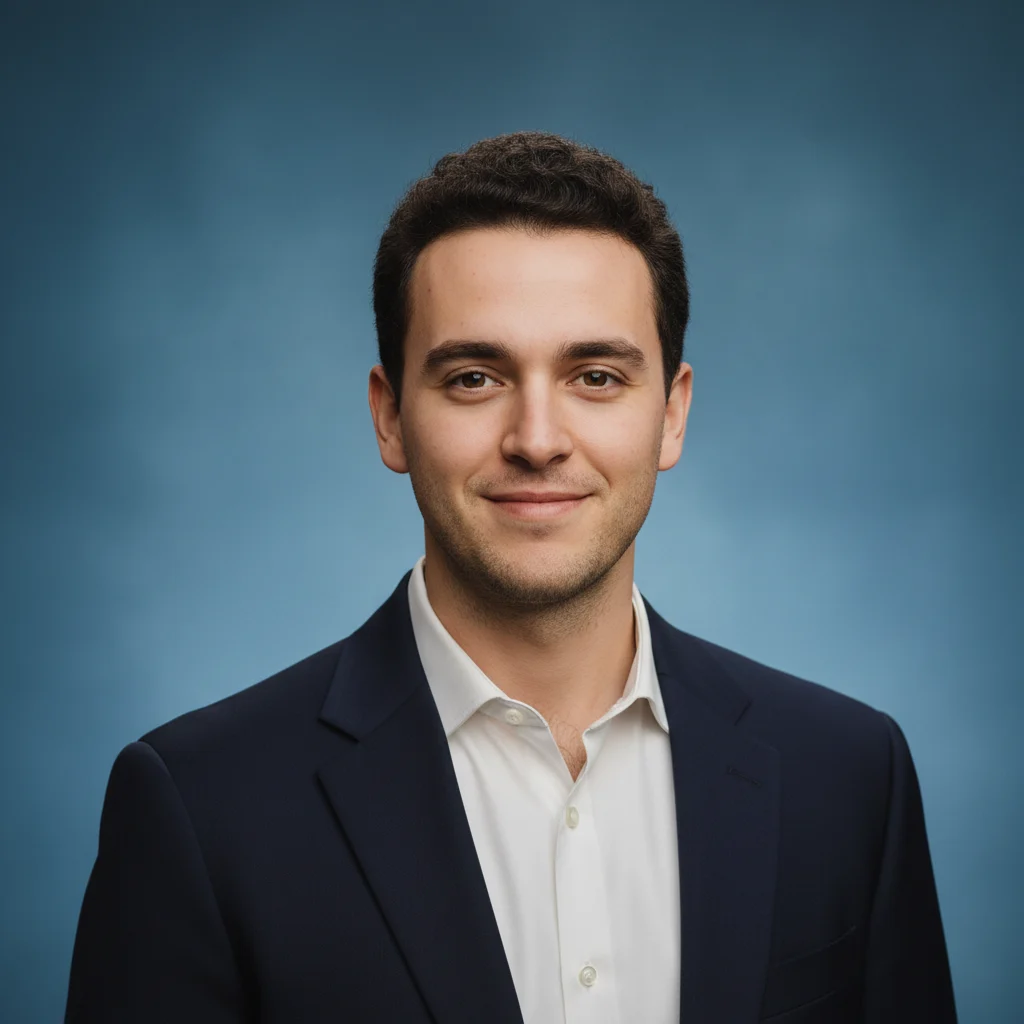
AI Professional Headshot Generator
Turn clear portraits into polished corporate headshots with studio-style lighting, business-ready styling, and natural identity preservation
Examples
See what you can create
AI Professional Headshot FAQ
Common questions about using AI Professional Headshot
Nano Banana's AI Professional Headshot Generator helps convert everyday portraits into business-ready headshots. It adjusts lighting and composition, and can restyle clothing and background while preserving your core facial identity.
For more consistent results with Nano Banana:
- Clear front-facing portraits: Keep your face fully visible
- Even lighting: Natural light or soft indoor lighting works best
- No heavy obstructions: Avoid hands, masks, or strong shadows over the face
- Enough resolution: At least 512px, and 1024px+ is recommended
The cleaner the source photo, the more natural the output usually looks.
Both tools create professional portraits, but AI Professional Headshot is tuned for a more corporate look:
- Half-body framing: Closer to formal business portrait composition
- Blue textured studio background: Adds premium depth and structure
- Shallow depth effect: Keeps the face prominent with a softer background
- Corporate portrait styling: A more formal, office-ready aesthetic
The LinkedIn generator is optimized for simpler profile framing and solid backgrounds.
In most cases, yes. You can typically use generated headshots for resumes, company websites, business cards, corporate directories, and social profiles. For sensitive commercial campaigns, check local requirements and your organization's publishing policy first.
If your source photo includes glasses, the model is instructed to keep them. If you're not wearing glasses, it usually won't add them. In tricky cases like glare or side angles, results may vary, so a clearer source image often improves consistency.
For better AI Professional Headshot quality:
- Framing: Keep the face around 30% to 70% of the image
- Resolution: Minimum 512px, 1024px+ recommended
- Expression: Relaxed and natural, with a slight smile if possible
- Avoid: Heavy beauty filters, motion blur, or accessories covering key facial features
The tool handles most background and attire adjustments automatically.
Still have questions? Contact us at support@nanobanana.im