
Hair Color Filter
Upload a clear portrait to compare 4 hair color options side by side. Best results come from well-lit photos with the hairline fully visible.
AI-powered image editing
Advanced AI Image Editor
Your Hair Color Filter Results

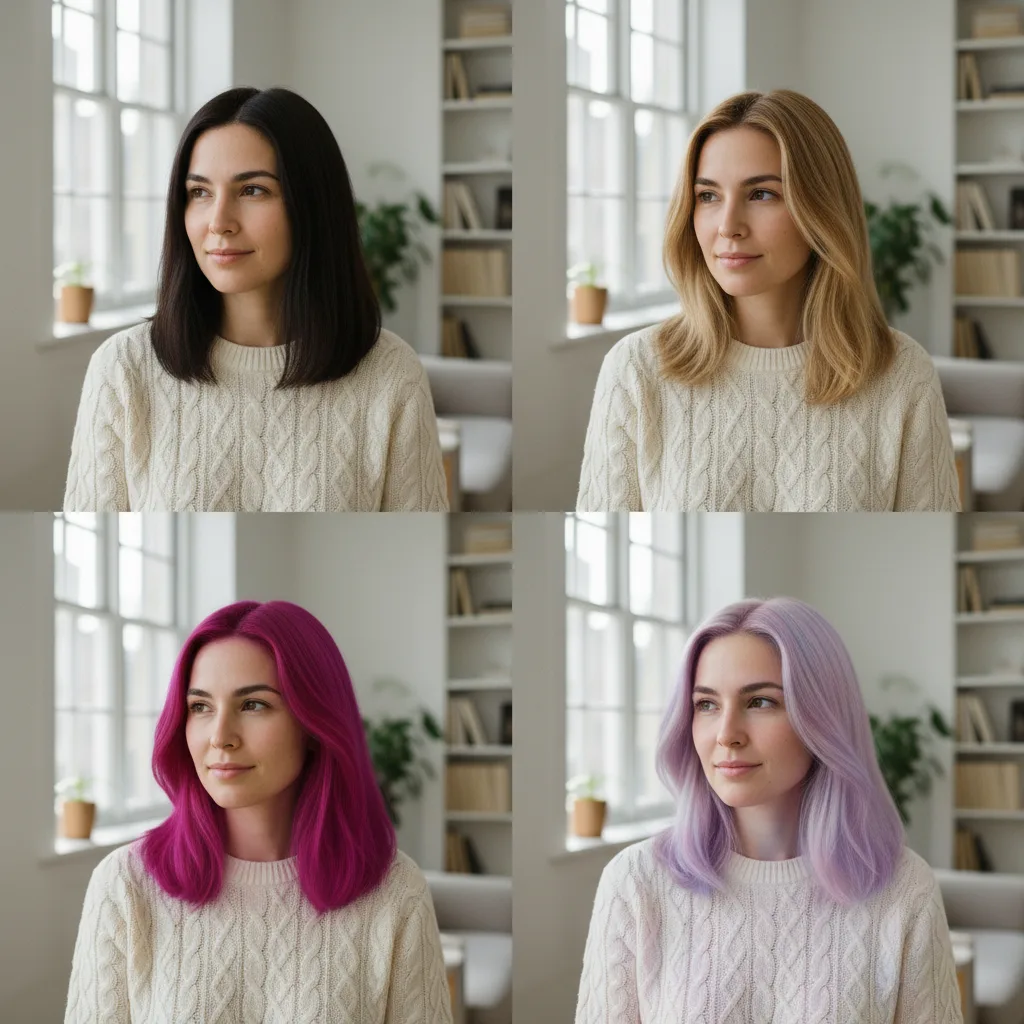
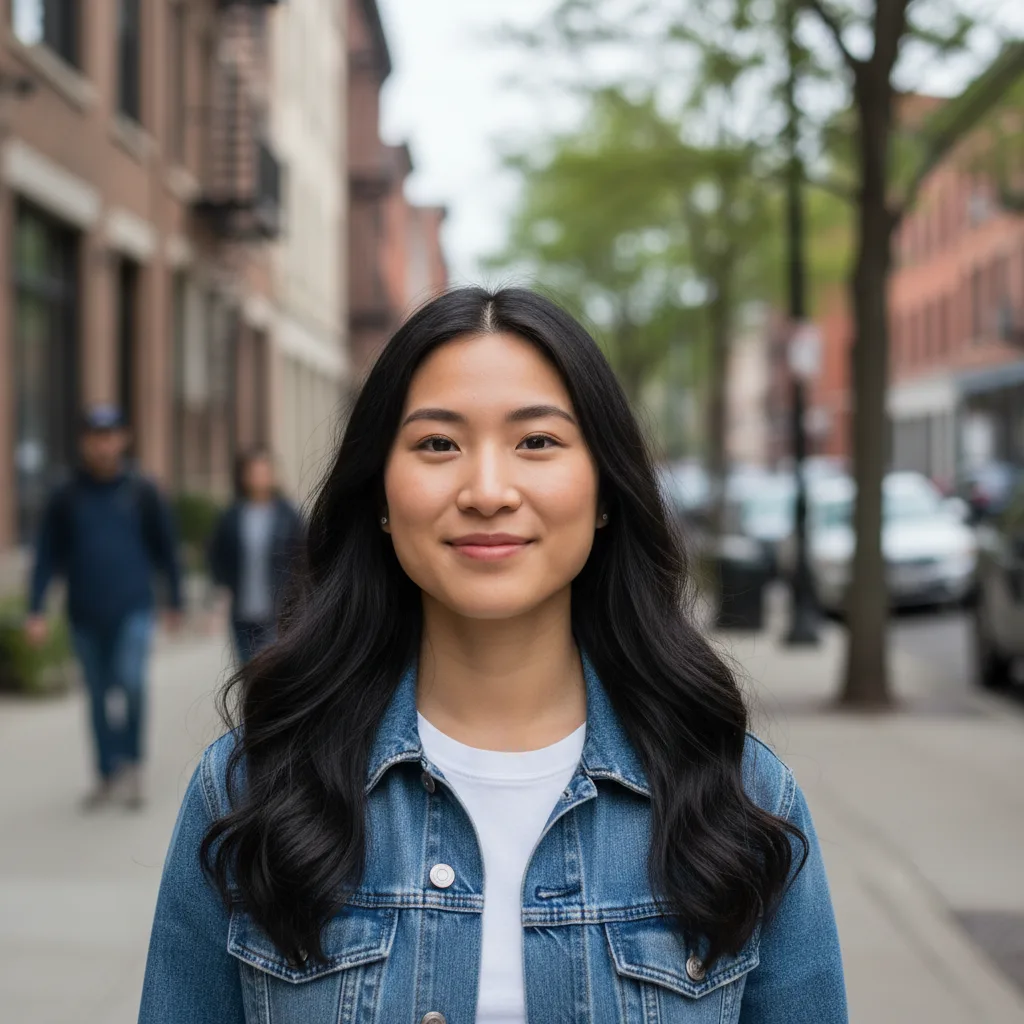
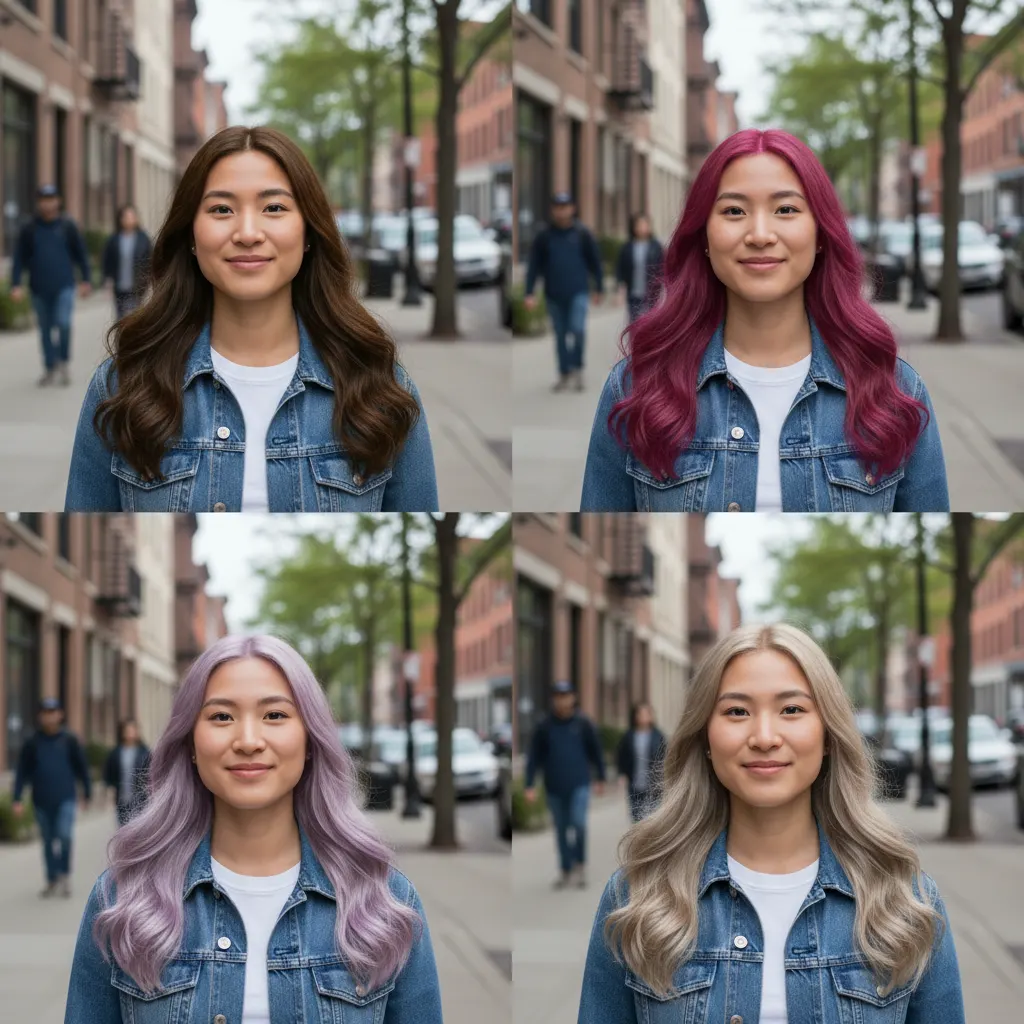

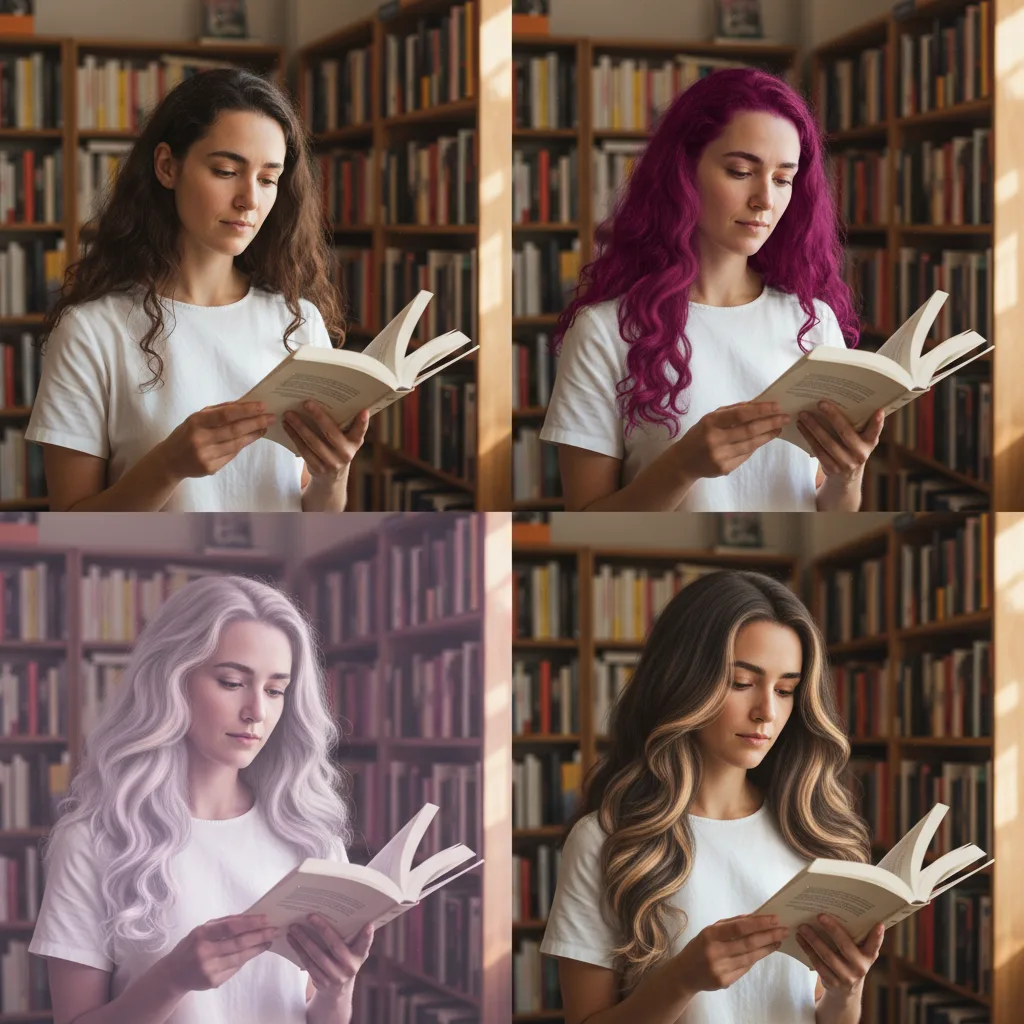
Hair Color Filter
Try 4 realistic hair colors on your own photo before you dye your hair. Compare natural, bold, pastel, and highlighted looks in one quick preview.
Examples
See what you can create
Hair Color Filter FAQ
Common questions about using Hair Color Filter
Hair Color Filter lets you try different hair colors on your own photo before you commit to dye. It keeps your face, haircut, outfit, and background the same, so the only thing that changes is the color.
Each result shows four easy-to-compare options in one image: a natural shade, a bold fashion color, a soft pastel, and a highlighted version. It is meant to help you compare quickly instead of generating one color at a time.
Use a clear portrait with even lighting, visible hair, and a clean view of the hairline. Front-facing or slightly angled photos usually work best. Avoid hats, heavy shadows, or photos where the hair is cropped out.
Yes. Images created with Nano Banana can be used for personal projects, salon previews, social content, and commercial marketing materials, provided you have the right to use the source image.
Still have questions? Contact us at support@nanobanana.im