
YouTube Thumbnail Generator
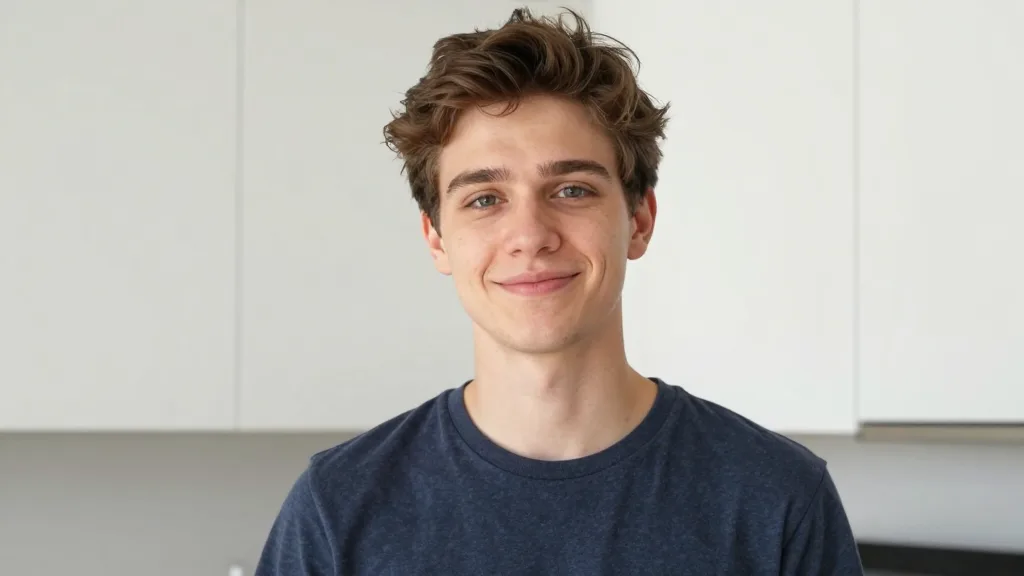
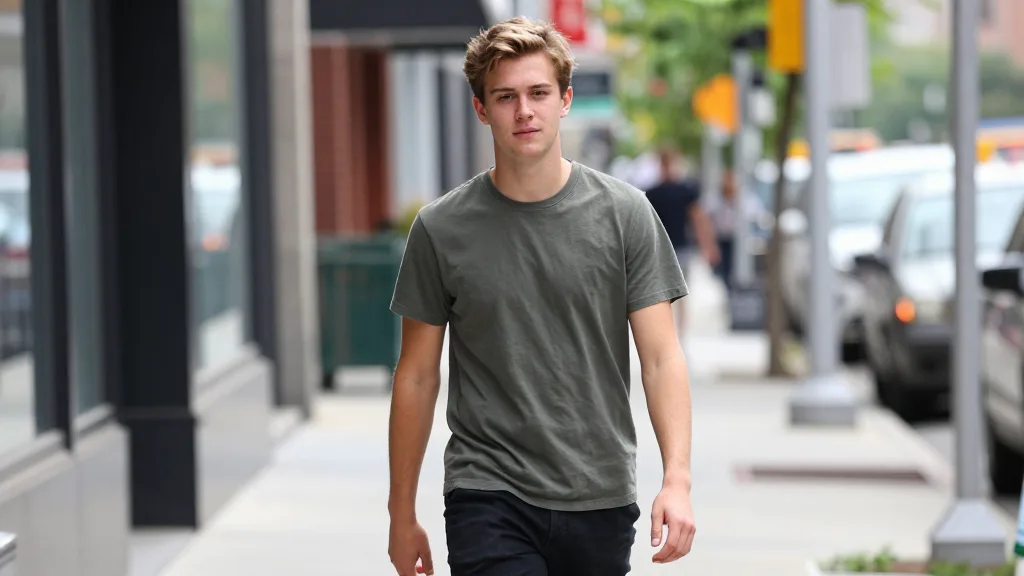
Upload your photo to create a high-impact, viral-style YouTube thumbnail with expressive poses, bold graphics, and eye-catching text using Nano Banana
AI-powered image editing
Advanced AI Image Editor
Your YouTube Thumbnails
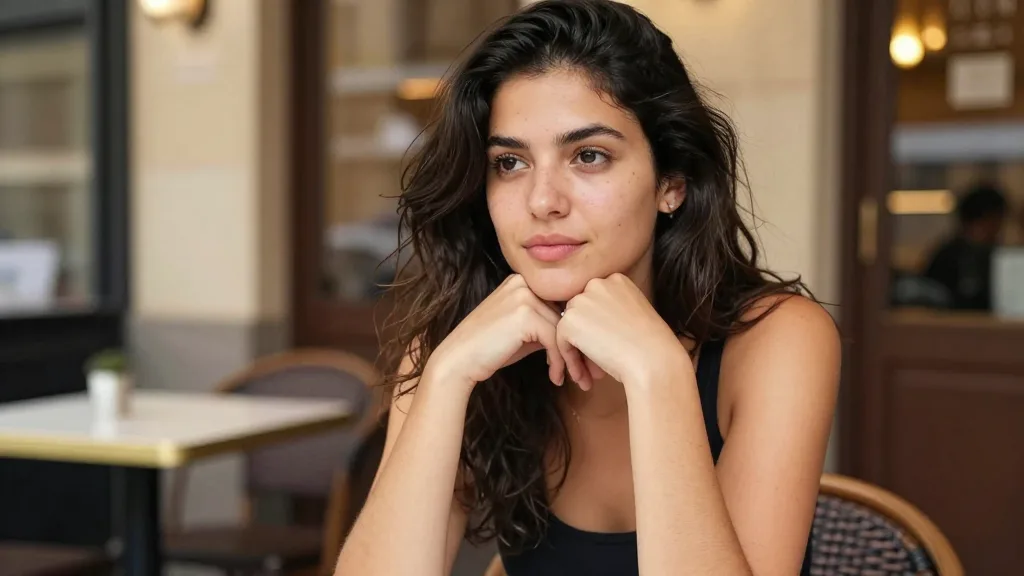
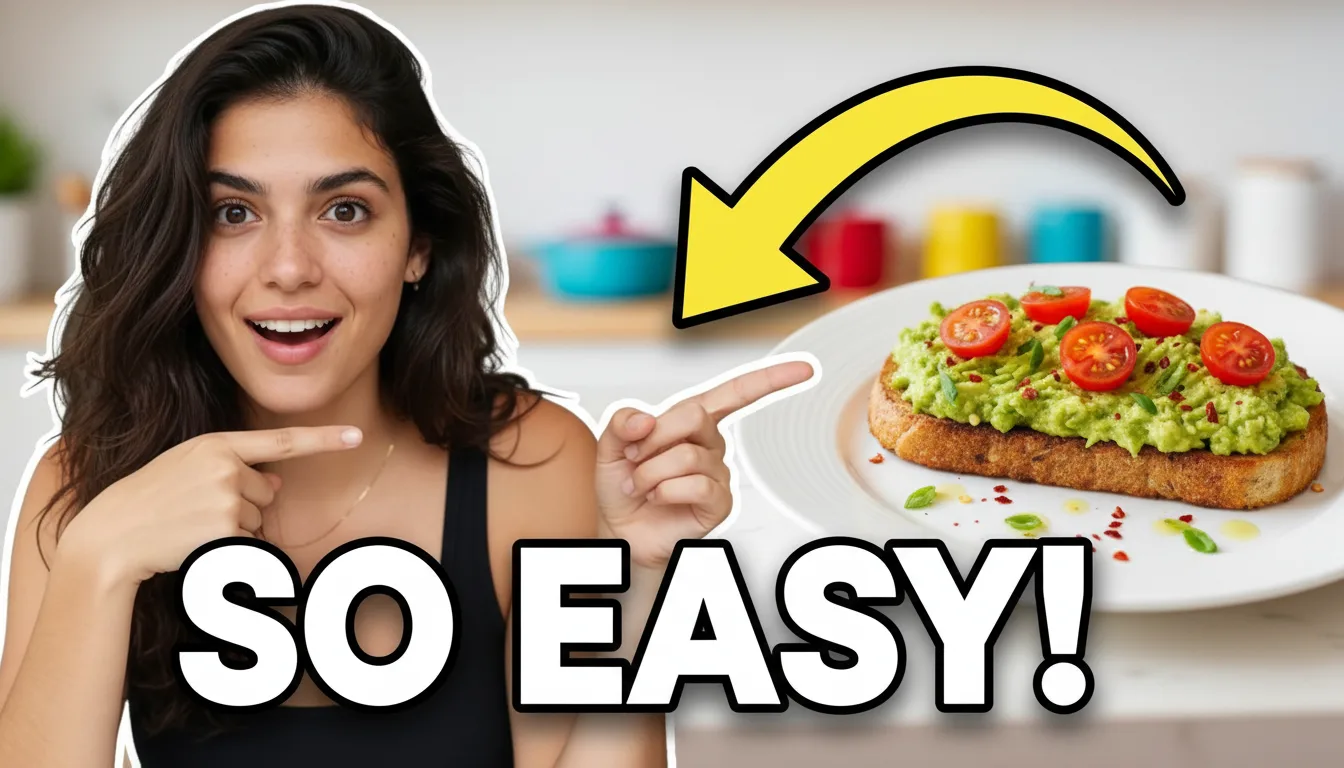
YouTube Thumbnail Generator
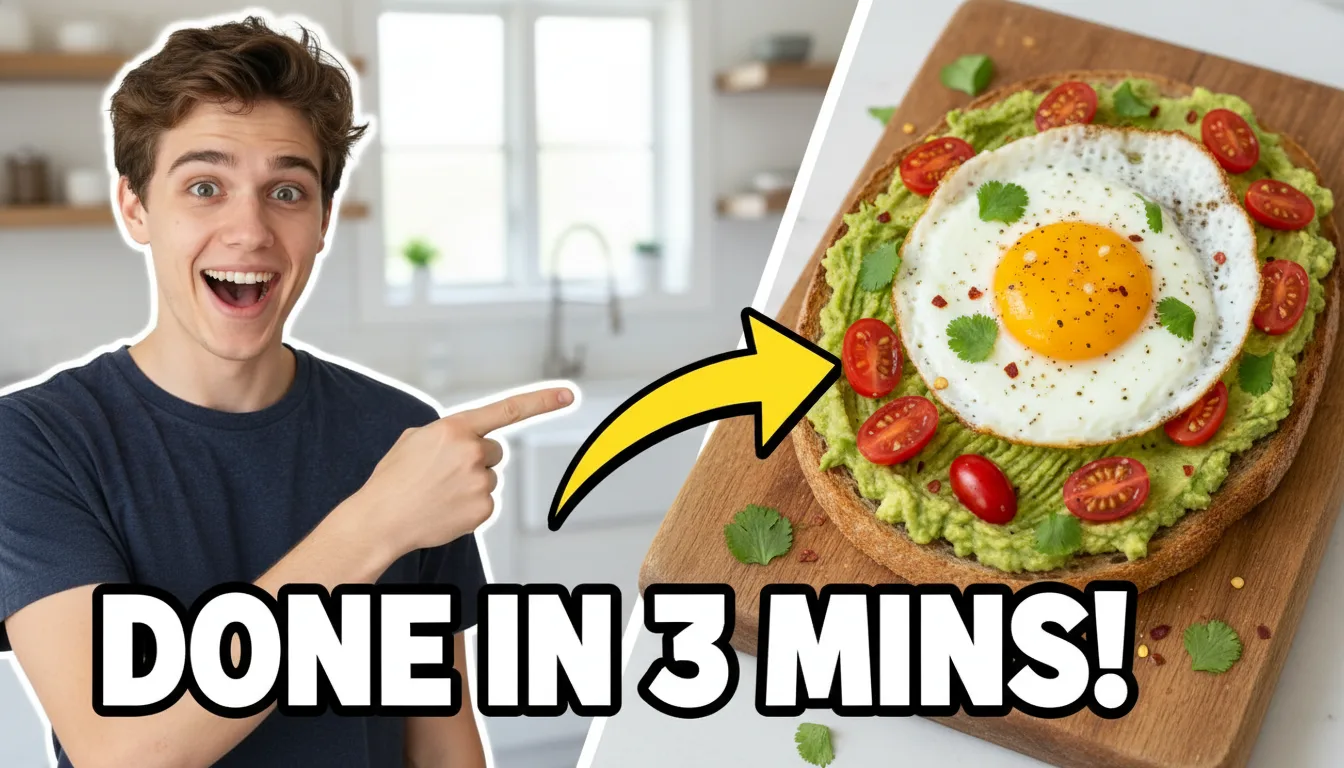
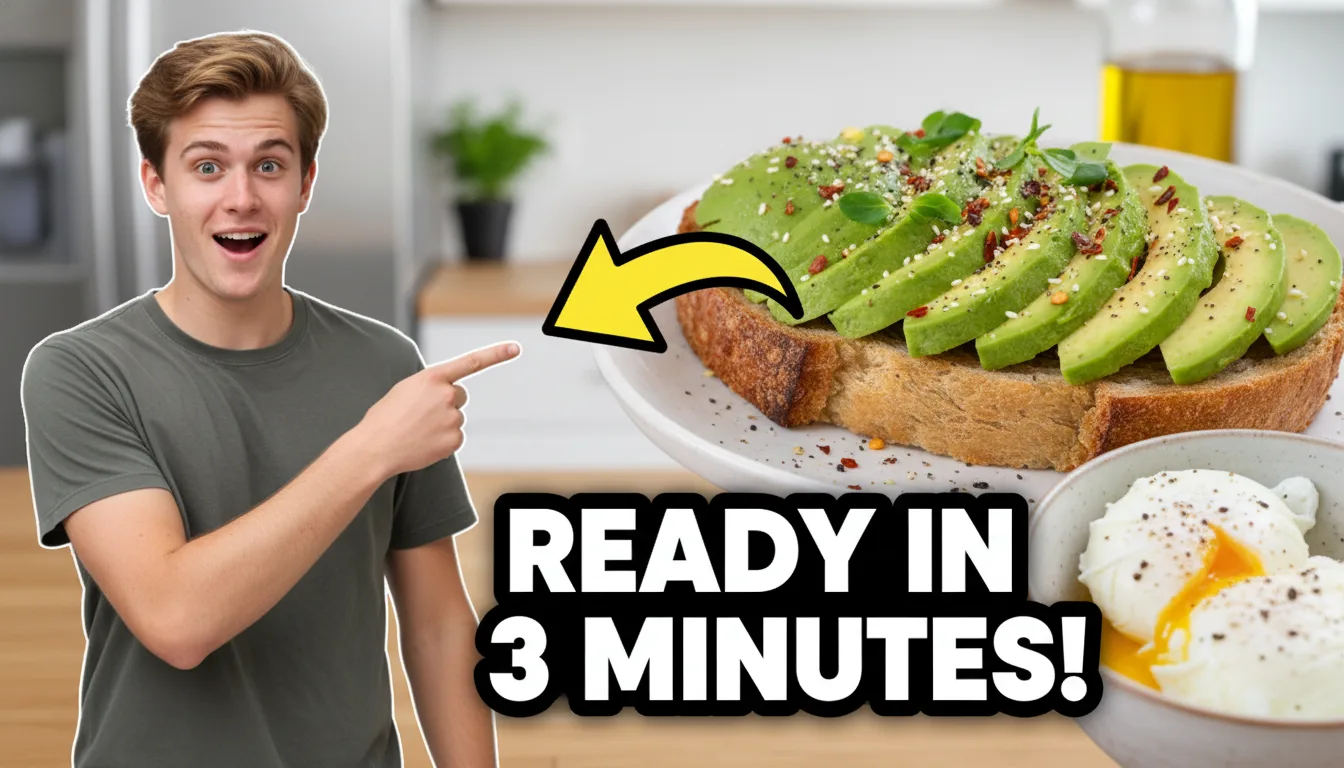
Create eye-catching, click-worthy YouTube thumbnails with Nano Banana. Generate viral-style thumbnails featuring expressive faces, bold text overlays, and attention-grabbing visuals optimized for maximum click-through rate.
Examples
See what you can create
YouTube Thumbnail Generator FAQ
Common questions about using YouTube Thumbnail Generator
A YouTube Thumbnail Generator is an AI-powered tool that helps you create eye-catching, click-worthy video thumbnails optimized for YouTube's 16:9 format. Powered by Nano Banana, it focuses on:
- Expressive faces with excited or surprised expressions
- Bold text overlays with high readability
- Clear visual elements and attention-grabbing graphics
- Viral-style composition optimized for click-through rate
Perfect for YouTubers and content creators who want professional thumbnails without design skills!
No. Your facial features and identity are fully preserved. Nano Banana only enhances facial expressions (such as excited or surprised) to make the thumbnail more engaging, without altering how you actually look.
The AI maintains:
- Your exact facial structure
- Your skin tone and features
- Your recognizable identity
Only the expression is modified to create that viral thumbnail energy!
Not at all! This tool is designed for creators with no design background. Simply:
- Upload a photo
- Customize your text and subject through the prompt
- Generate a professional-looking YouTube thumbnail in seconds
No Photoshop, Canva, or design experience required. Nano Banana handles all the complex design work automatically.
Yes! Every thumbnail generated is specifically optimized for YouTube with:
- 16:9 aspect ratio - YouTube's standard format
- Large, readable text - Visible even at small sizes
- High contrast & vibrant colors - Stands out in search results
- Clear visual focus - Draws attention immediately
- Mobile-friendly design - Looks great on all devices
Perfect for YouTube search results, recommendations, and mobile viewing.
Yes! You can fully customize your thumbnails by editing the prompt. You can change:
- The main text shown on the thumbnail (e.g., "DONE IN 3 MINS!" → "YOU WON'T BELIEVE THIS!")
- The subject being highlighted (food, product, app UI, gadgets, etc.)
- The overall style and expression (shocked, excited, pointing, etc.)
- Arrow styles and graphics - Customize colors and positioning
This gives you flexibility while keeping a proven viral layout. Simply modify the prompt to match your video content!
This tool works great for a wide range of YouTube content:
- Tutorials & how-to videos - Show the end result
- Food & recipe content - Highlight delicious dishes
- Vlogs & lifestyle videos - Create engaging previews
- Tech reviews & explainer videos - Feature products
- Marketing and promotional content - Drive clicks
- Before/after transformations - Show dramatic changes
All thumbnails are yours to use freely for YouTube videos, marketing, and other commercial content.
Still have questions? Contact us at support@nanobanana.im