
Pet to Human
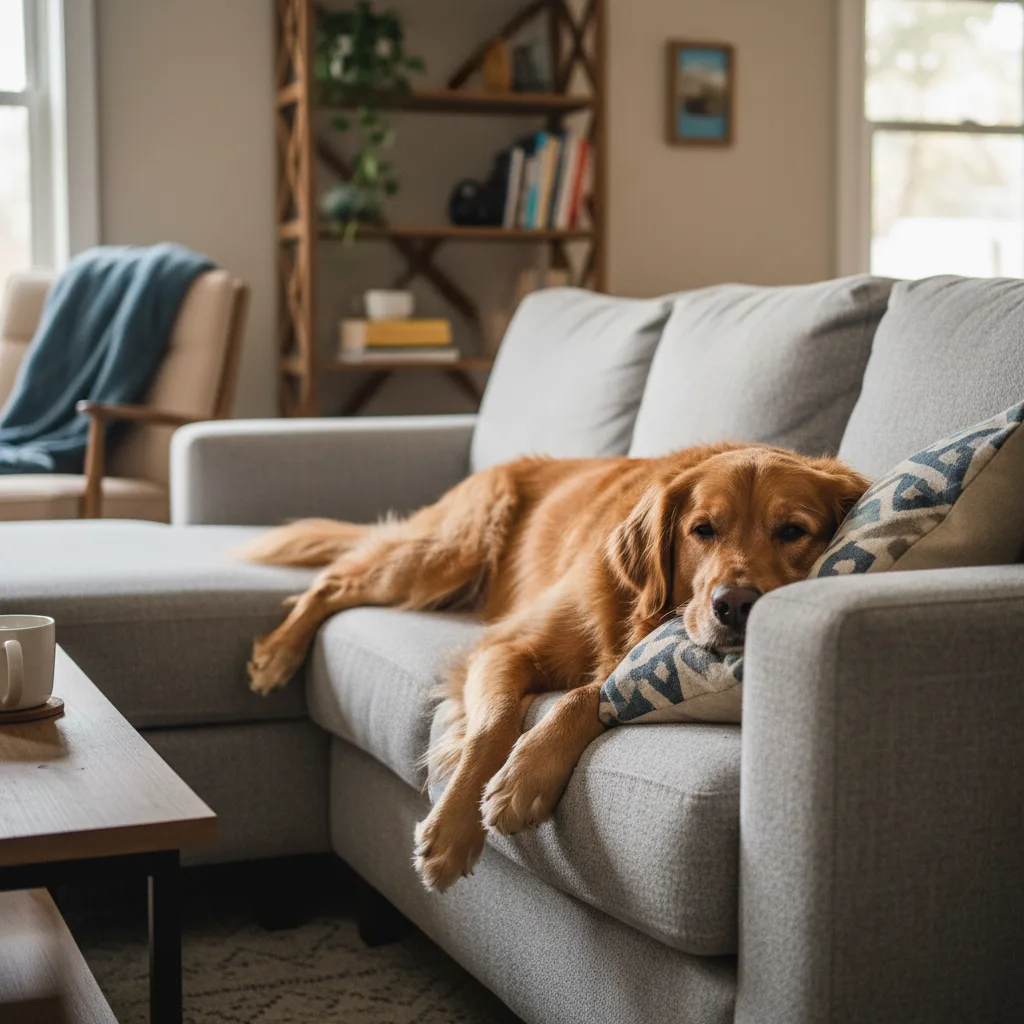
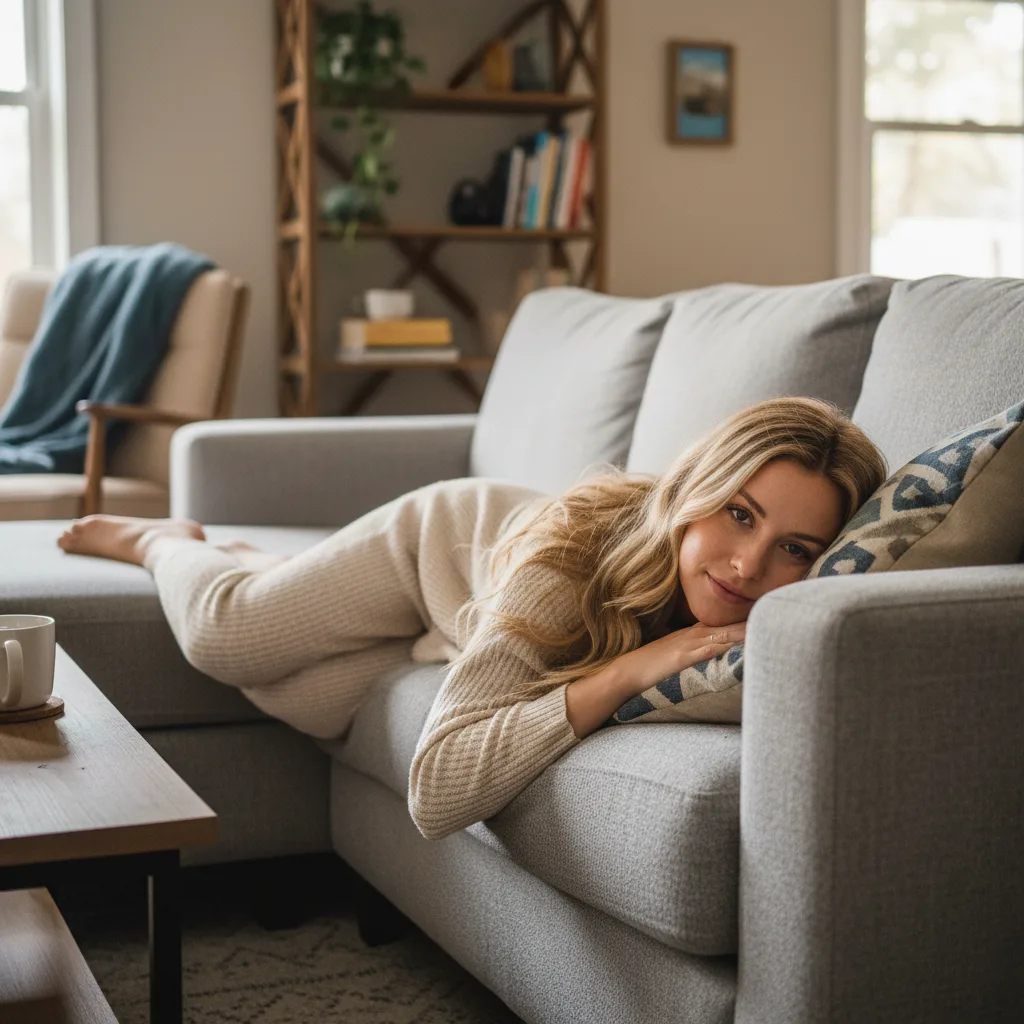
Upload a clear pet photo to turn your pet into a realistic person while keeping the look and personality that make them feel like your own.
AI-powered image editing
Advanced AI Image Editor
Your Pet to Human Images
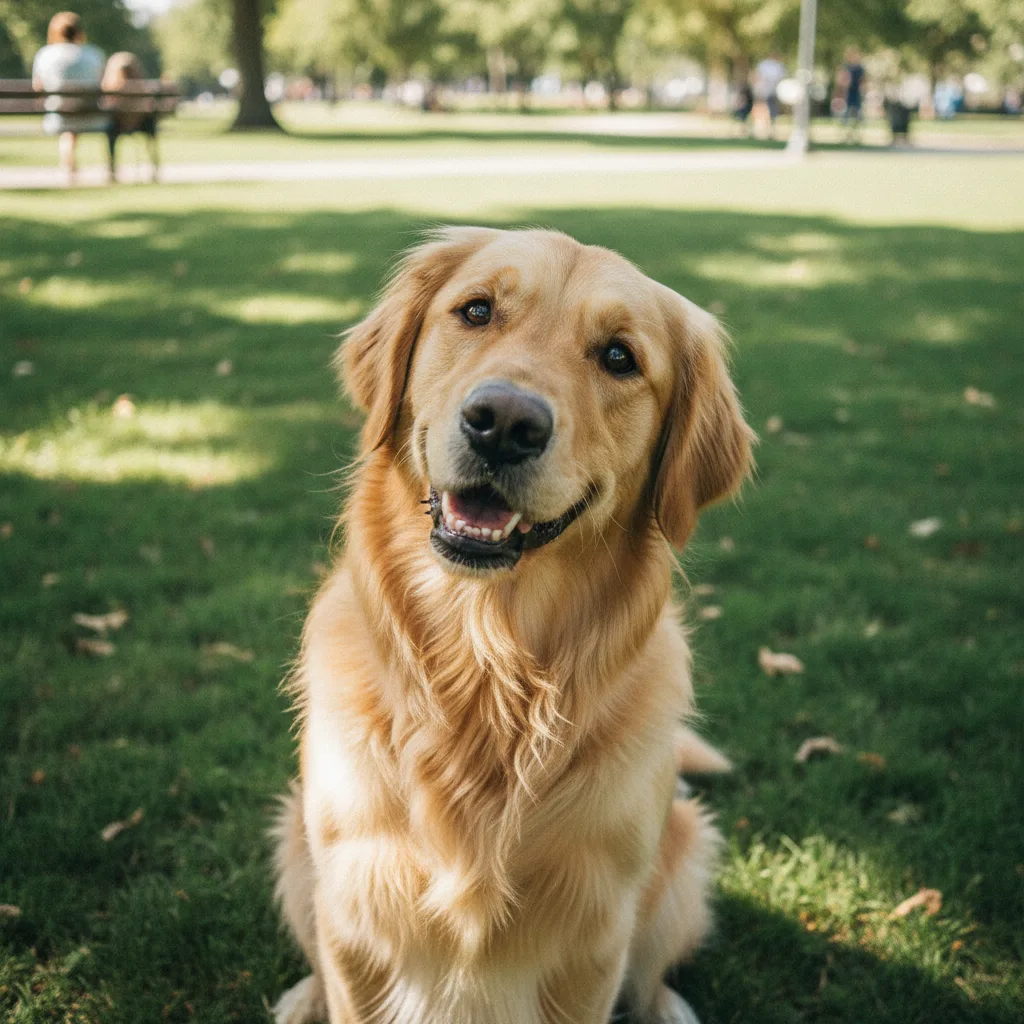
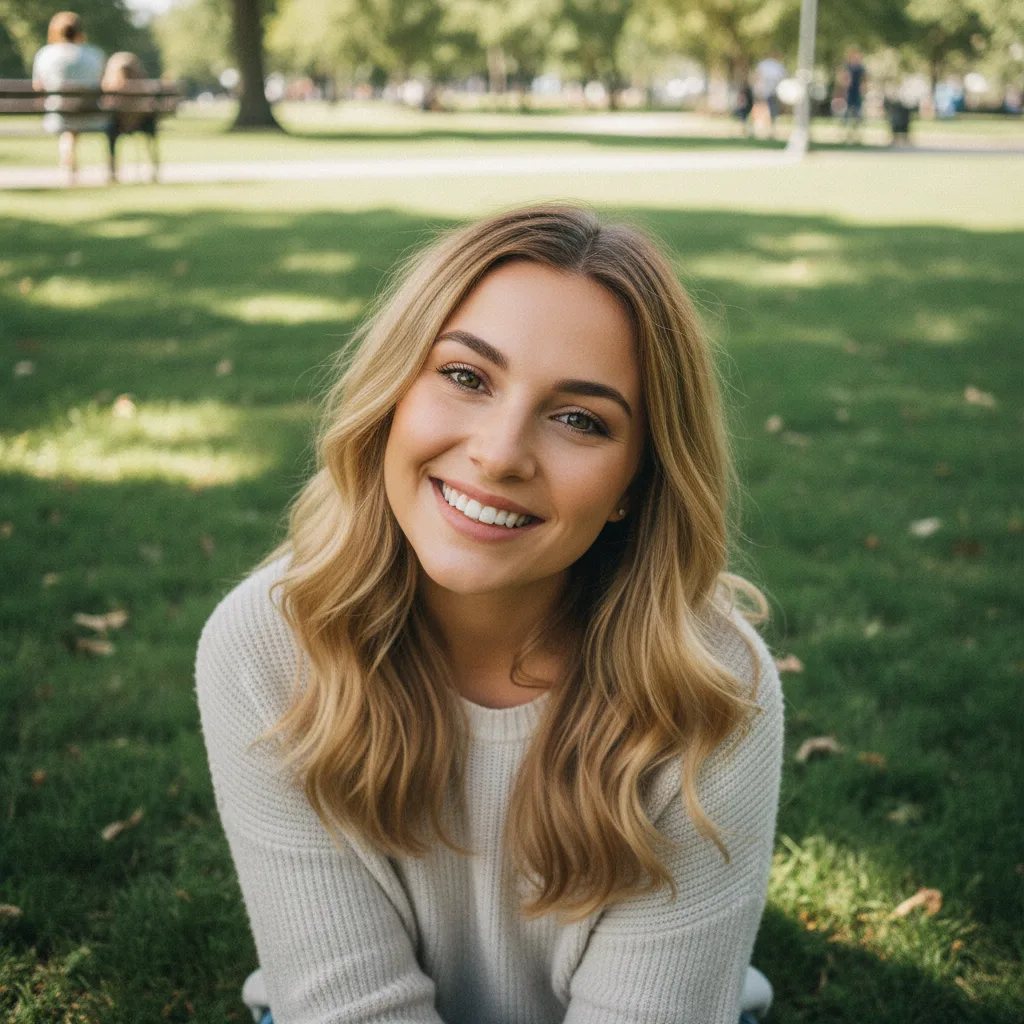
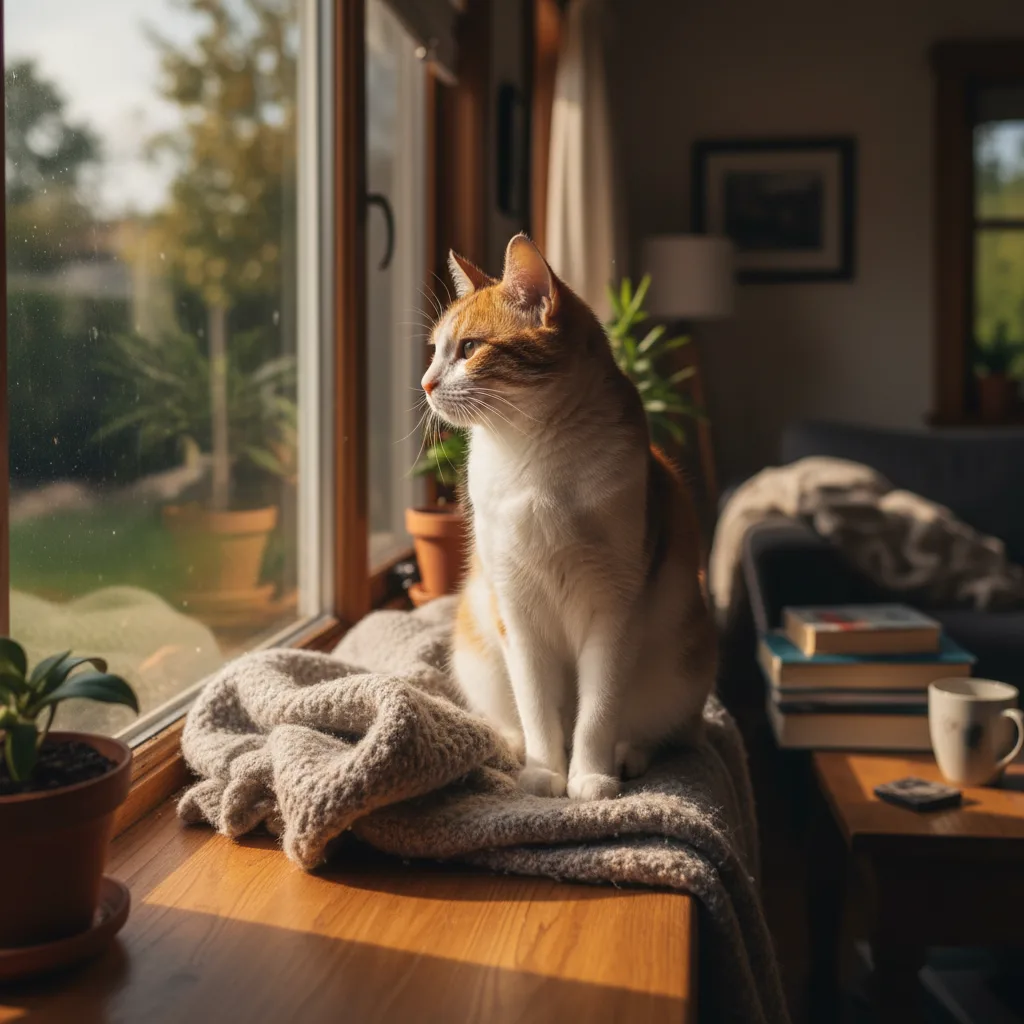
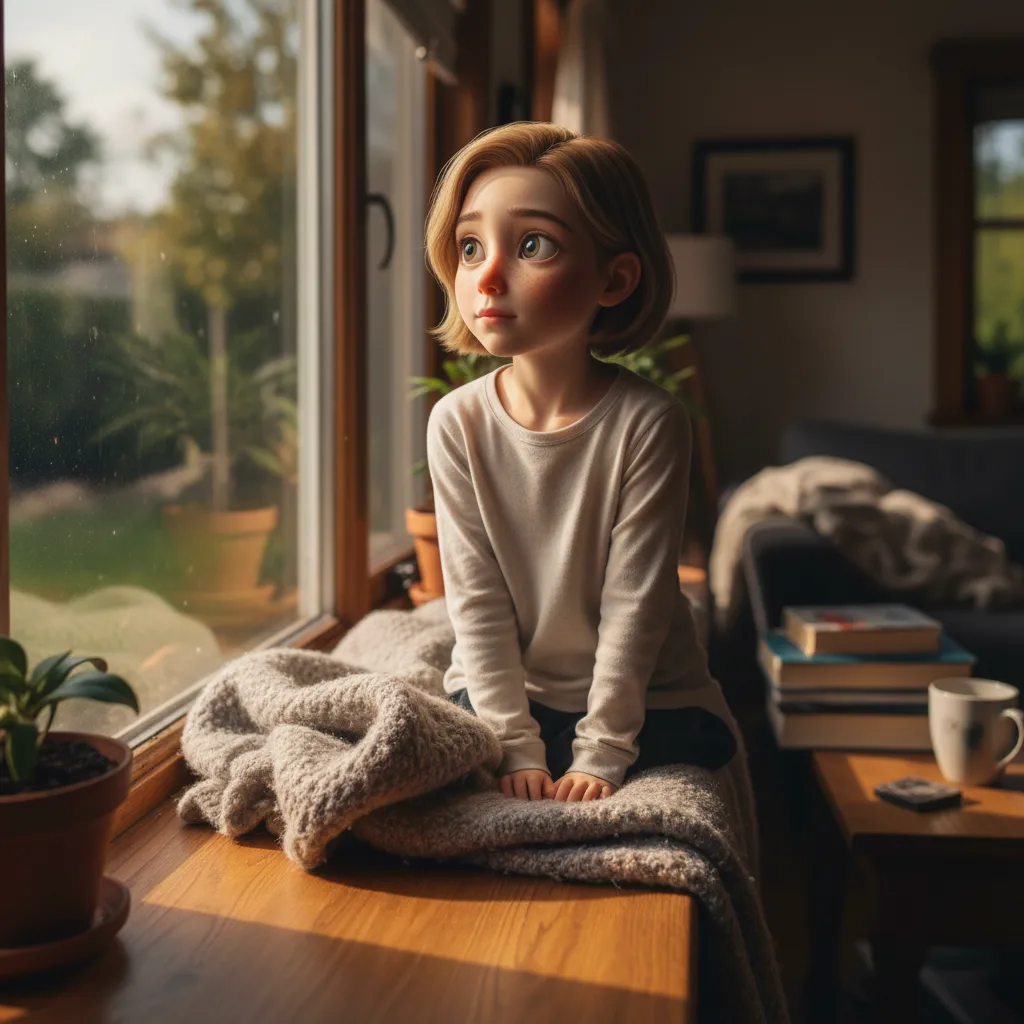
Pet to Human
See what your pet would look like as a real person. Upload one photo and get a photoreal portrait that still feels unmistakably like your pet.
Examples
See what you can create
Pet to Human FAQ
Common questions about using Pet to Human
It keeps the cues people already know, like expression, eye shape, coloring, posture, and overall vibe. The goal is not a random human portrait. It should still feel like your pet, just in human form.
Use a clear photo with one pet in frame, a visible face, and natural light. Front-facing or slight-angle shots usually work best. Avoid heavy blur, dark shadows, or anything covering the face.
Yes. This style is built for photoreal portraits with natural skin, believable lighting, and grounded detail. The result should read like a real photo, not a stylized filter.
Usually, yes. It aims to keep the same pose, framing, background, and lighting so the result feels like the human version of the same moment.
Yes. It works especially well for profile photos, posts, reels covers, and meme-style content because the result is instantly recognizable and easy to share.
Yes, as long as you have the rights to the source photo you uploaded.
Still have questions? Contact us at support@nanobanana.im