
Grey Hair Filter
Upload a clear front-facing portrait to try a realistic grey hair filter. Best results come from well-lit photos with a visible hairline.
AI-powered image editing
Advanced AI Image Editor
Your Grey Hair Filter Results

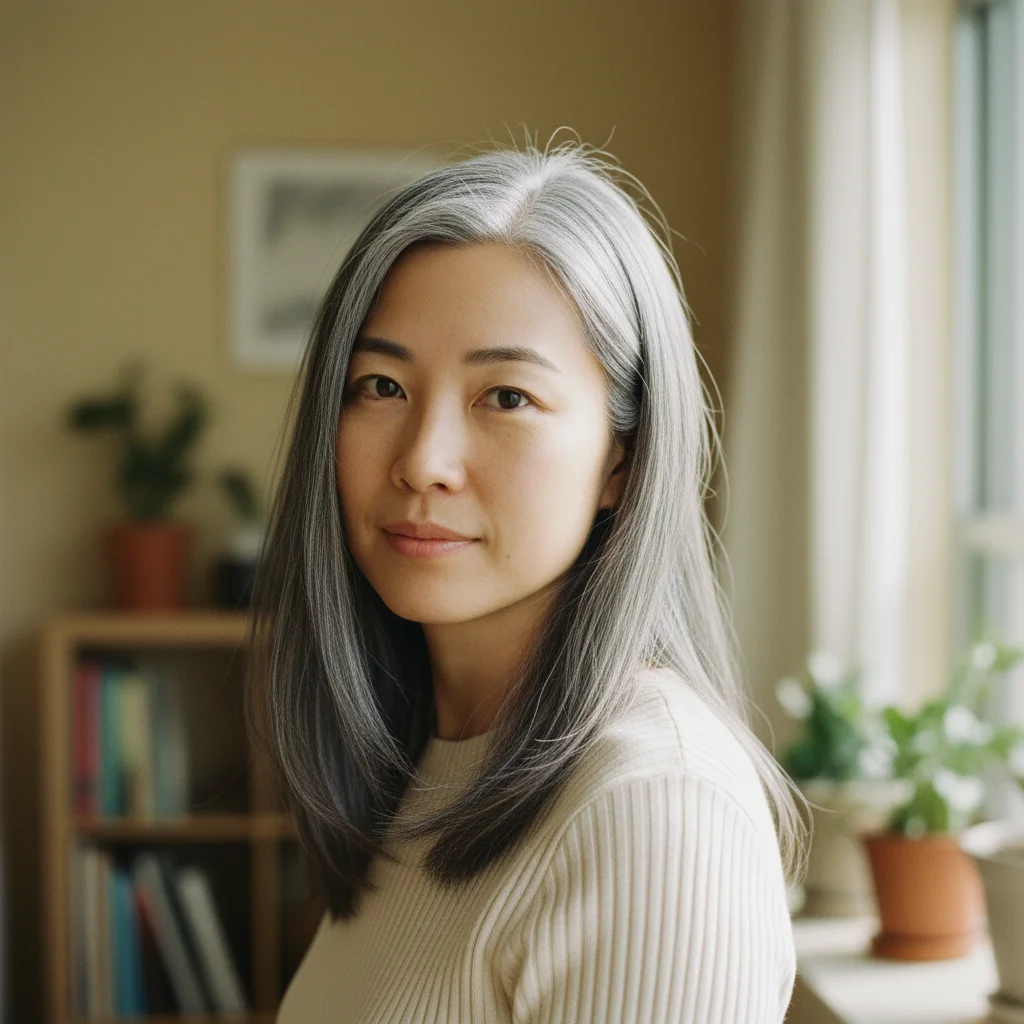
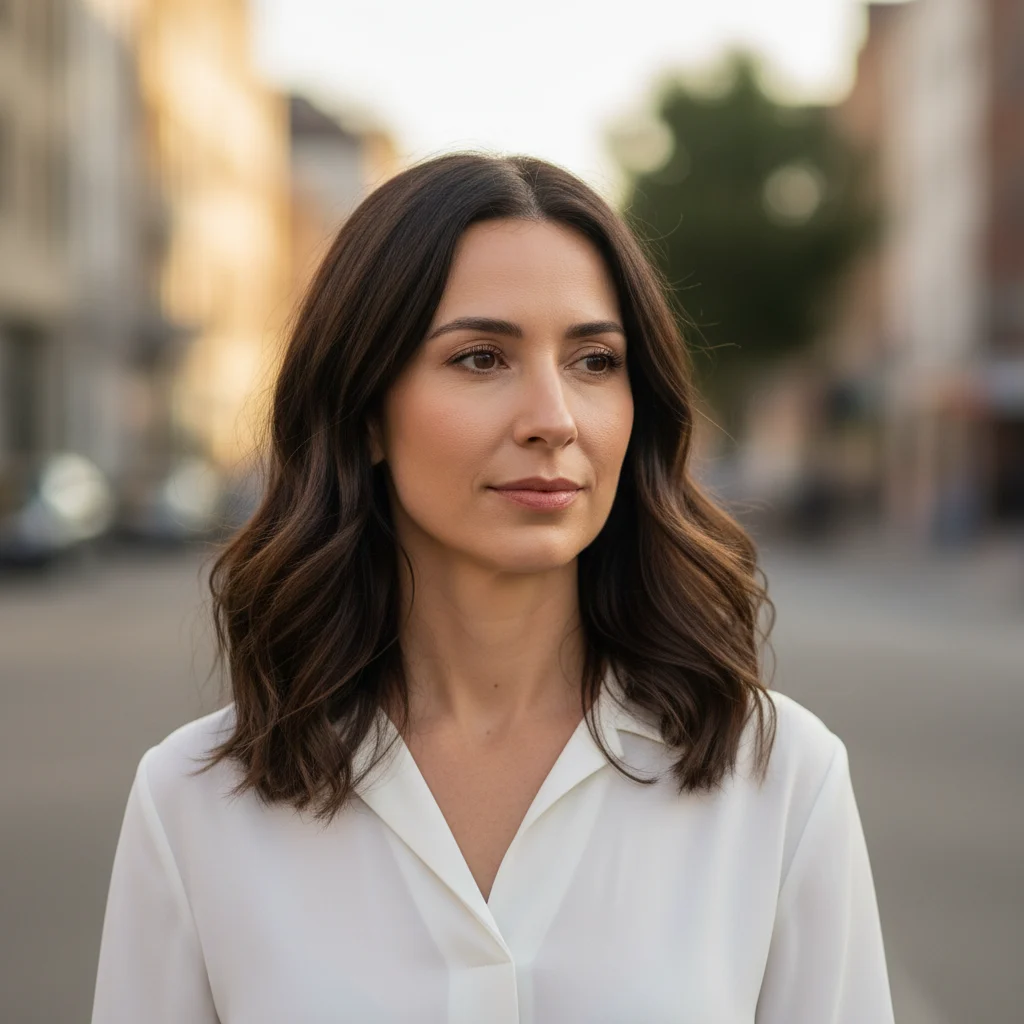
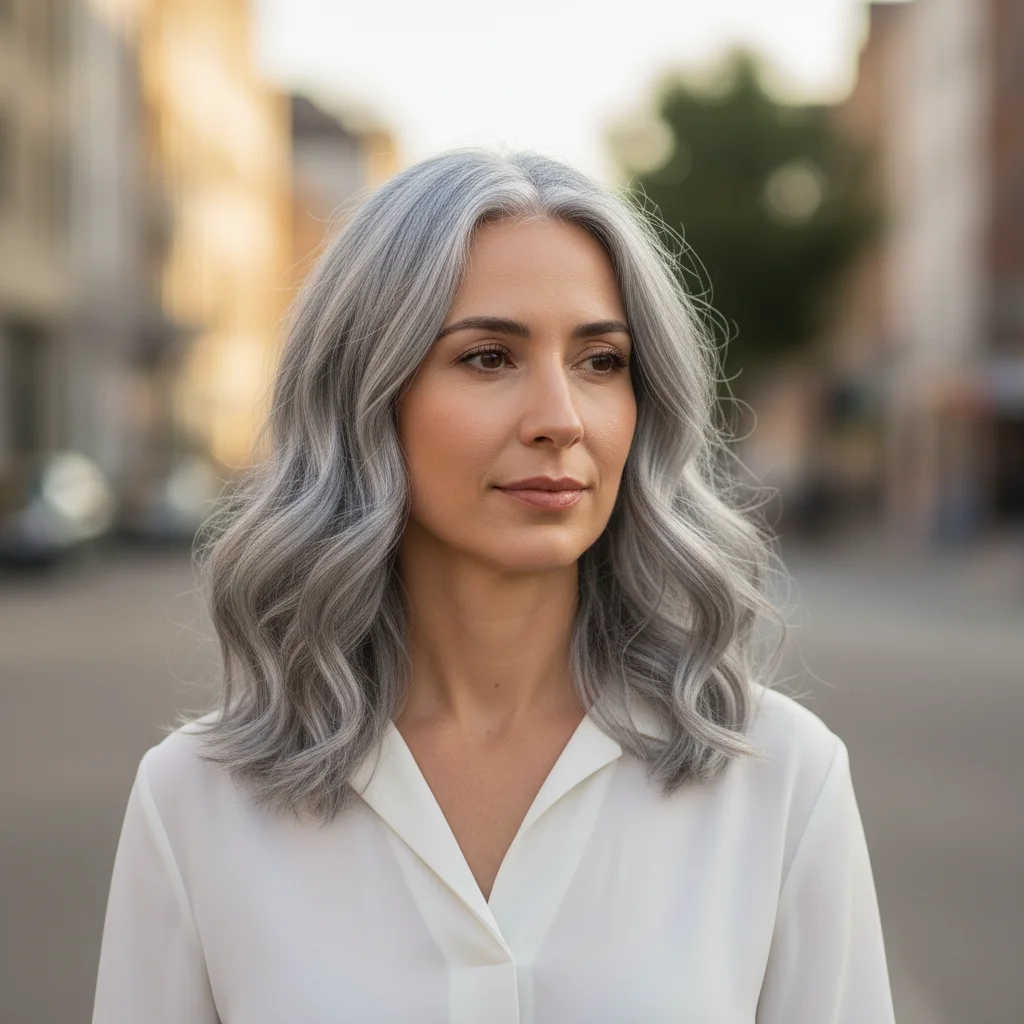

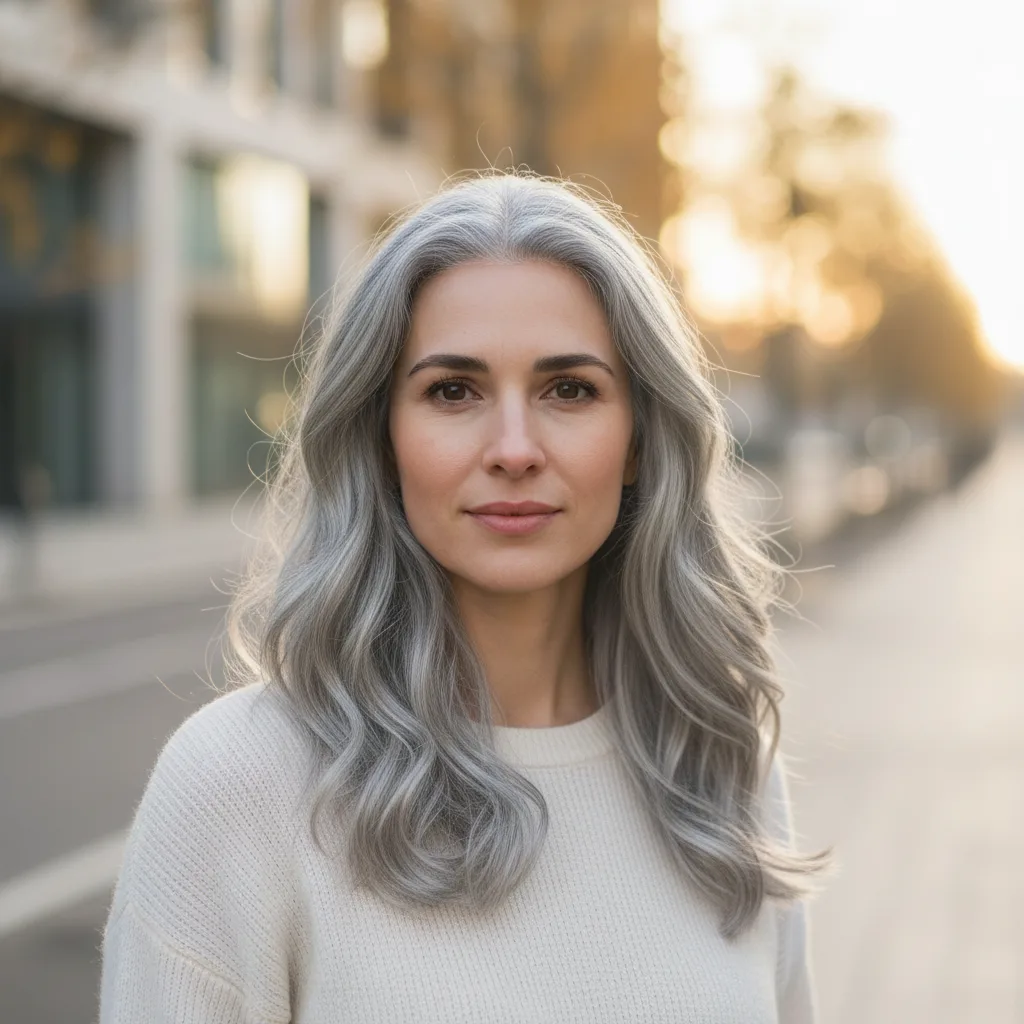
Grey Hair Filter
Preview a realistic grey or silver hair look online while keeping your face, haircut, and expression unchanged.
Examples
See what you can create
Grey Hair Filter FAQ
Common questions about using Grey Hair Filter
This grey hair filter uses AI to recolor only the visible hair in your photo, turning it into a natural grey or silver look while keeping your face, haircut, expression, and background consistent.
No. It is designed to change hair color, not age your face. It should not add wrinkles, sagging skin, or other aging effects.
Use a clear, front-facing portrait with even lighting, a visible hairline, and enough hair in frame. Avoid hats, heavy shadows, or images where the hair is cut off.
Yes. It can work on straight, wavy, curly, long, short, light, or dark hair. Clearer source photos with more visible texture usually produce more convincing results.
Absolutely. It is useful for testing a grey or silver hair look before committing to dye, transitioning into natural grey, or bringing a reference image to a salon.
Yes. Images generated with Nano Banana can be used for personal projects, social content, salon previews, and commercial marketing materials.
Still have questions? Contact us at support@nanobanana.im