Free Inverted Filter Online: See Your Face Flipped in Seconds
Try the inverted filter free online - flip your face from left to right and see your mirror reflection. No app download required, instant results.
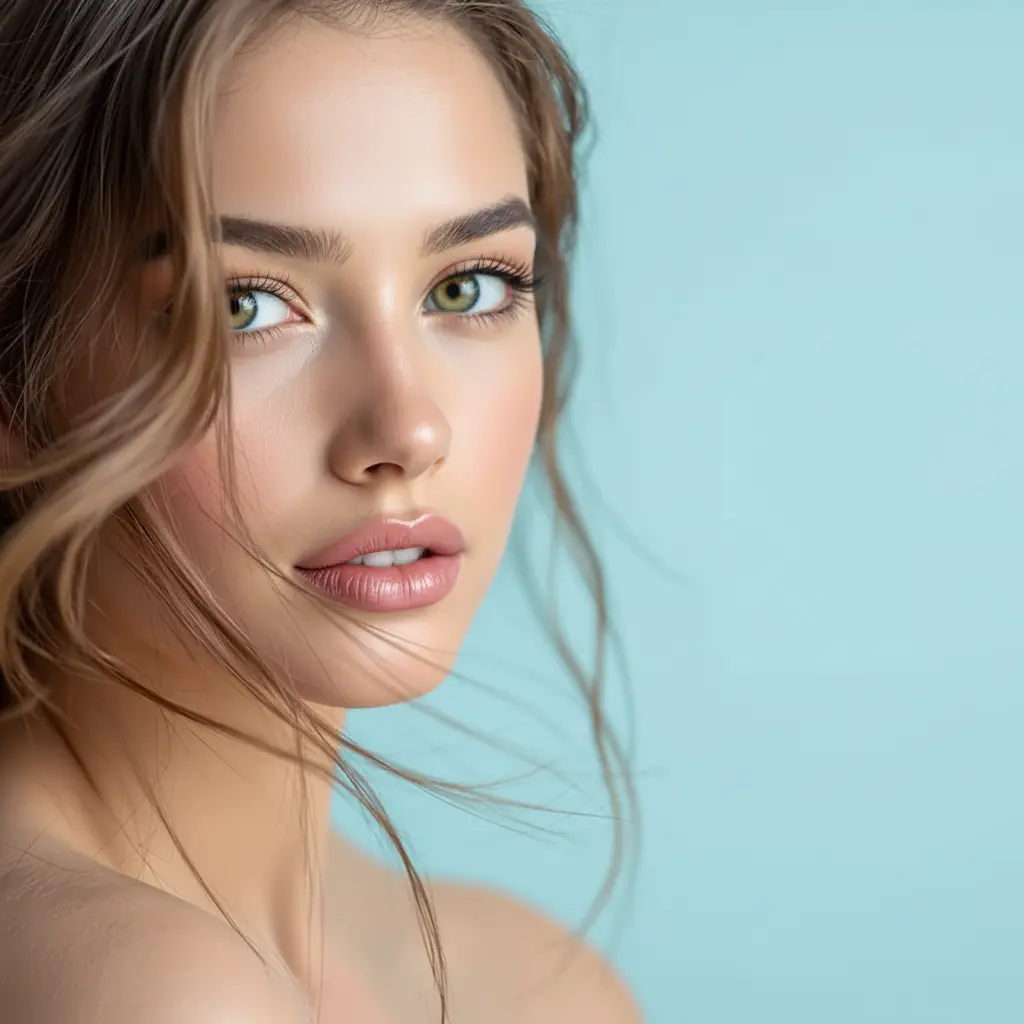
Have you ever wondered what you actually look like to other people?
Here's a mind-bending fact: the face you see in the mirror every day isn't what others see. Your mirror reflection is flipped—left becomes right, right becomes left. The "you" that exists in your head is actually a reversed version of how the world perceives you.
That's where the inverted filter comes in. It flips your face back, showing you the non-mirrored version of yourself. And honestly? It can be surprisingly unsettling—or surprisingly flattering.
What Is the Inverted Filter?
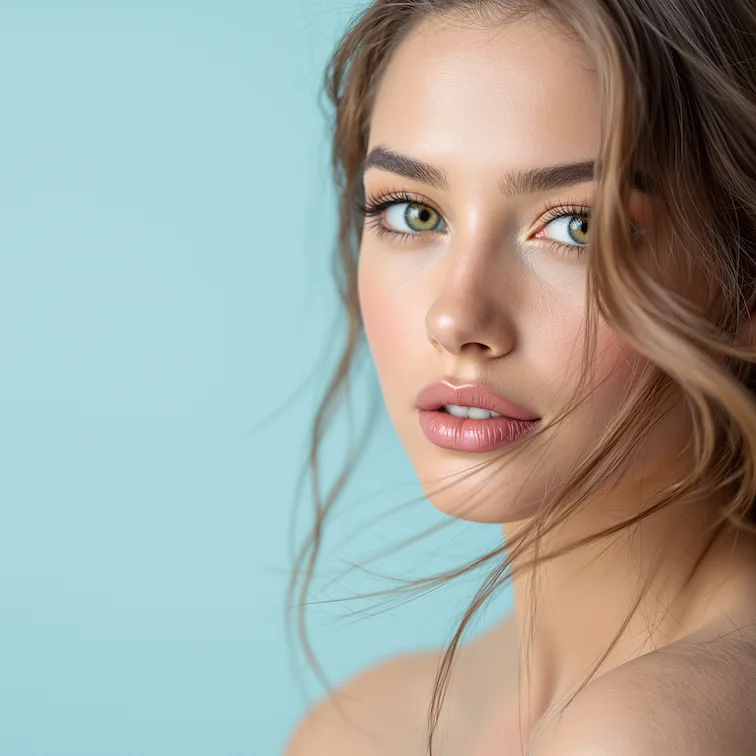
The inverted filter (also called the face inverted filter or mirror flip effect) reverses your face from left to right. It's essentially showing you how you appear in photographs and to other people, rather than how you see yourself in the mirror.
This effect became wildly popular on social media because it reveals something fascinating: most people's faces are asymmetrical, and seeing yourself "flipped" can look surprisingly different from your mirror image.
Why the Inverted Filter Is Going Viral
The "Do I Really Look Like That?" Moment
When you first see your inverted face, there's often a moment of shock. Features that looked perfectly fine in the mirror suddenly seem "off." Your smile might look different. One eye might seem larger than the other. It's the same face, but something feels unfamiliar.
This reaction isn't just you being weird—it's psychology. We're so accustomed to our mirror reflection (the only version of ourselves we see regularly) that the true version can feel like looking at a stranger.
TikTok and Social Media Trends
The inverted filter spread quickly on TikTok with creators sharing genuine reactions to seeing their "true" face for the first time. The trend has racked up massive view counts, with creators sharing everything from shocked reactions to confidence-boosting revelations.
Some people hate their inverted face. Others discover they actually look better in the real version. The unpredictability makes for compelling content.
Understanding Facial Asymmetry
Here's the science: virtually no one has a perfectly symmetrical face. Most people's eyes are slightly different sizes, one eyebrow sits higher than the other, or the jawline angles differently on each side. In your mirror reflection, you've unconsciously learned to see past these asymmetries. The inverted version makes them suddenly visible.
How to Use the Free Inverted Filter Online
Getting your inverted face transformation is simple:
Step 1: Upload a clear, front-facing photo Step 2: Let the AI process your image (usually a few seconds) Step 3: Download your inverted result Step 4: Compare with your original and prepare for the revelation
No app download required. No account needed to try. Just upload and see.
Tips for the Best Inverted Filter Results
Photo Requirements
For optimal results, use photos that are:
- Front-facing with your full face visible
- Well-lit with even lighting (no harsh shadows on one side)
- Clear and in focus
- Without filters or heavy editing applied
Avoid:
- Profile shots or extreme angles
- Photos with half your face in shadow
- Heavily filtered images that already distort your features
- Low-resolution or blurry pictures
Why Quality Matters
The inverted filter works by analyzing and transforming your facial features. A clear, well-lit photo gives the AI more accurate data to work with, producing a more realistic flip. If your original photo has poor lighting on one side of your face, the inverted version will have that lighting on the opposite side—potentially looking unnatural.
Real Transformations: What to Expect
Subtle But Noticeable Changes
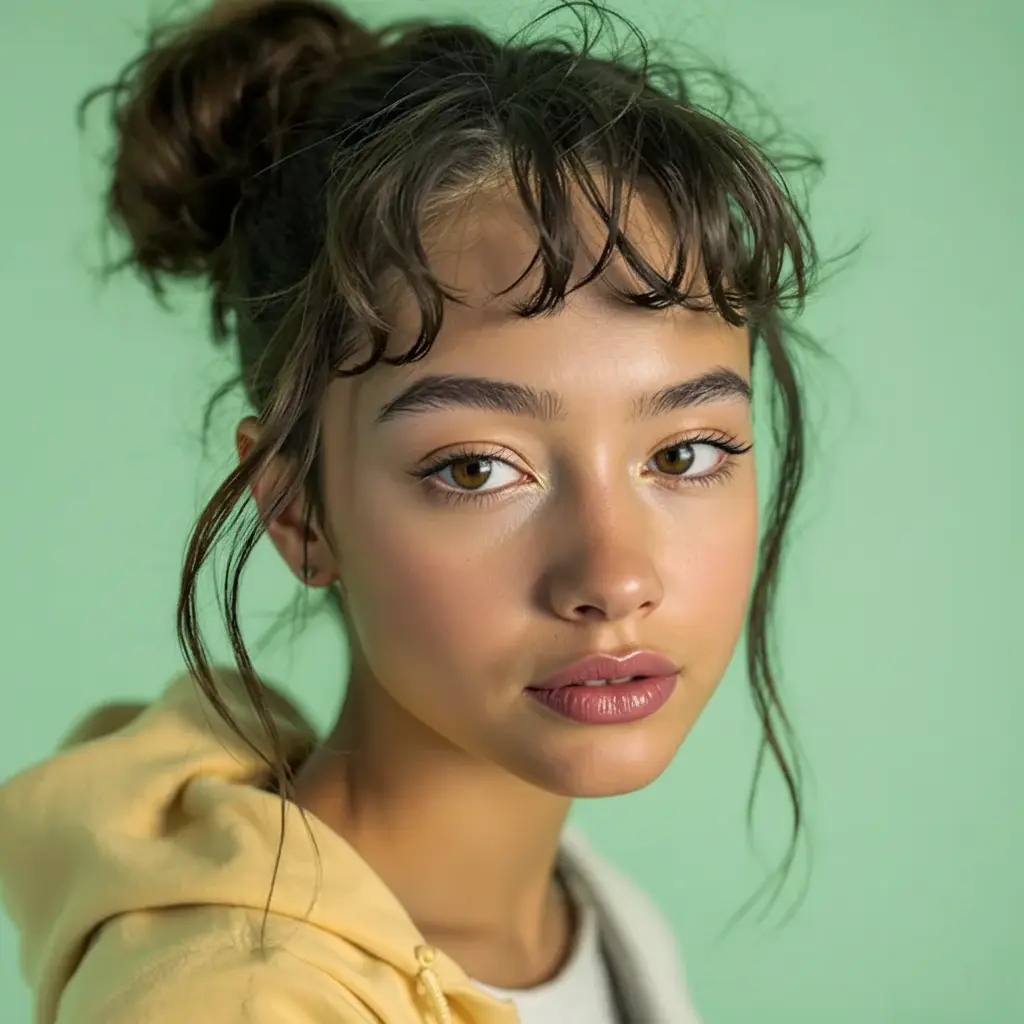
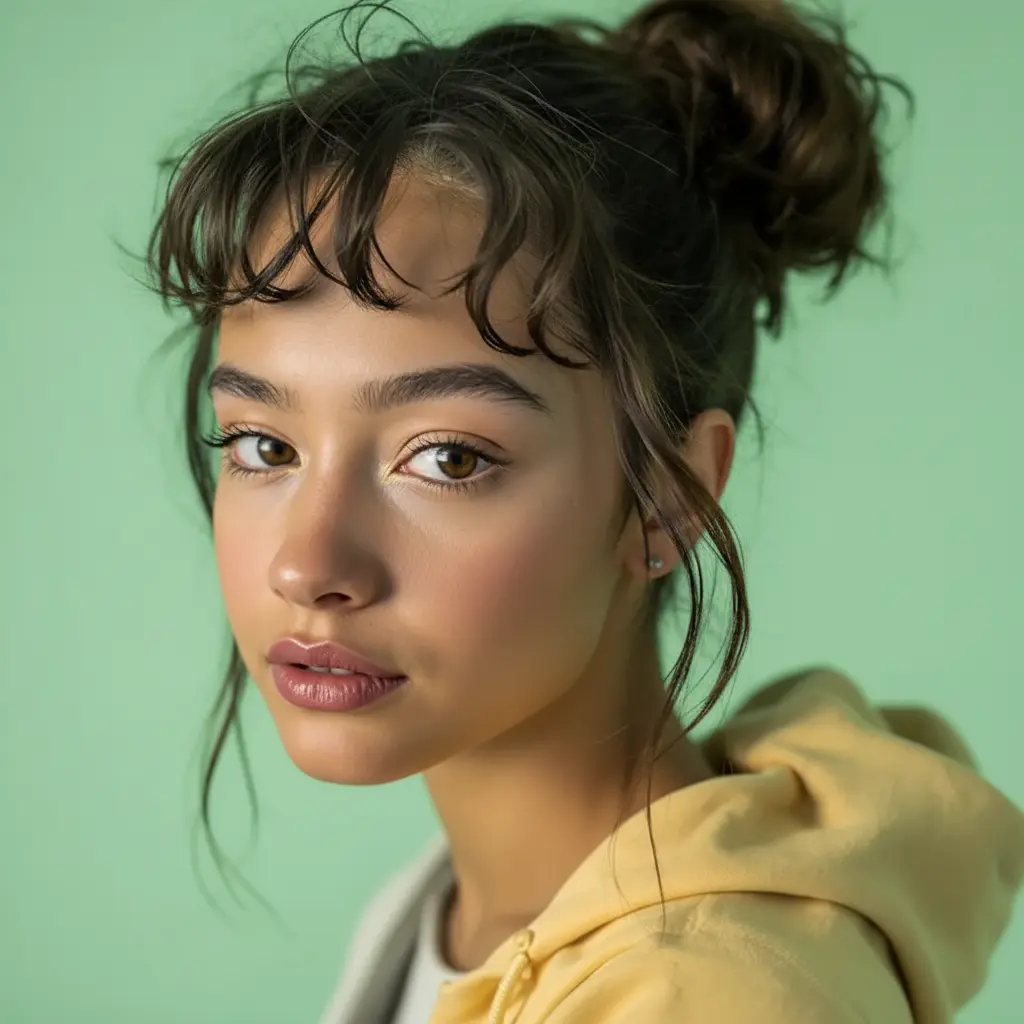
For most people, the inverted version looks similar but "off" in ways that are hard to pinpoint. Your smile might curve slightly differently. Your hair part switches sides. Features you've never noticed suddenly become apparent.


Common Reactions
"I look weird" - The most common first reaction. Don't worry, you don't actually look weird to others—you're just seeing yourself from their perspective for the first time.
"I actually look better" - Some people discover their real appearance is more attractive than their mirror image. This often happens with people whose "good side" happens to be the side others see most.
"Is that really me?" - The disconnect between mirror-you and real-you can be genuinely disorienting. It's 100% you, just from a different perspective.
Why People Are Obsessed With This Filter
Self-Discovery and Confidence
For some, the inverted filter is a reality check that actually boosts confidence. Knowing what you truly look like—and accepting it—can be liberating. Instead of obsessing over perceived flaws in the mirror, you understand that others see a slightly different (and often more natural-looking) version.
Content Creation Gold
The genuine reactions to seeing inverted faces make for engaging social media content. The format is simple but effective: show the before, reveal the after, capture the reaction. It's authentic, relatable content that viewers love.
Relationship Insights
Ever wondered why you think you look better in the mirror but worse in photos? The inverted filter explains it. Photos capture a version closer to how others might see you. The mirror shows a reversed version that only you experience. Understanding this difference can help you feel more confident about how you appear in photos.
Free Inverted Filter vs. Phone Apps
Why Use an Online Tool?
No Download Required: Phone storage is precious. Our free inverted filter online works directly in your browser—no app installation needed.
Better Quality: Many free phone apps compress images or add watermarks. Our tool preserves your photo quality and delivers clean, watermark-free results.
Privacy First: Your photos are processed to generate results. We aim to minimize retention and keep the workflow lightweight. Check our privacy policy for details.
Works on Any Device: Whether you're on iPhone, Android, tablet, or desktop computer, the online inverted filter works the same way.
Popular Use Cases
Testing Your "Photogenic" Side
Many people have a preferred side for photos without knowing why. The inverted filter helps you understand your facial asymmetry and identify which angle might photograph better for selfies and portraits.
Social Media Challenges
Participating in the inverted filter trend? Create content showing your reaction to seeing your true face. The authentic surprise or acceptance makes for relatable, shareable content.
Self-Awareness and Acceptance
Sometimes the best reason to try the inverted filter is simply understanding yourself better. Accepting that your face looks different from different perspectives—and that's completely normal—can reduce anxiety about how you appear to others.
Fun With Friends
Compare inverted faces with friends and family. It's a fun activity that often leads to interesting conversations about perception, beauty, and how we see ourselves versus how others see us.
The Psychology Behind the Inverted Filter
Mirror Exposure Effect
Psychologists call it the "mere exposure effect"—we prefer things we're familiar with. Since you see your mirror reflection thousands of times, that becomes your mental image of yourself. The inverted (real) version looks less familiar and therefore less "correct," even though it's what everyone else sees every day.
Facial Asymmetry is Normal
Studies show that even faces considered highly attractive have asymmetries. Perfect symmetry is actually rare and can look uncanny. Your asymmetrical face is completely normal—you're just not used to seeing it from the outside perspective.
It's Not About Being Attractive
The inverted filter doesn't make you more or less attractive. It simply shows a different perspective. People who find you attractive in person see your "inverted" face—and they're drawn to it. The mirror version is a reflection only you experience.
Frequently Asked Questions
Is the inverted filter accurate?
Yes. The inverted filter creates a straightforward horizontal flip of your face, showing a view similar to how you appear in photographs. It's the same transformation that happens when you compare a selfie to a mirror.
Why do I look so different inverted?
Facial asymmetry. Your features aren't perfectly symmetrical, so flipping them reveals differences you've become blind to in your mirror reflection. This is completely normal and affects virtually everyone.
Can I use the inverted filter for free?
Absolutely. Our online inverted filter is free to try. New users may receive bonus credits, and you can test the filter instantly without creating an account.
Does the filter work on any photo?
The filter works best on clear, front-facing photos with good lighting. Profile shots, heavily filtered images, or very low-resolution photos may not produce optimal results.
Why doesn't my inverted face look like my mirror?
Because your mirror image is literally reversed. The inverted filter shows you the UN-mirrored version—what cameras capture and a view others might see. This is a different, but still accurate, perspective.
Can I use inverted photos on social media?
Of course! Photos created with the inverted filter are yours to share however you like. Many people post comparison images showing their mirror vs. real appearance as part of the social media trend.
Is this the same as the TikTok inverted filter?
It produces a similar effect—flipping your face horizontally to show your non-mirrored appearance. Our online version works without needing the TikTok app and produces high-quality results you can download and use anywhere.
Try the Inverted Filter Now
Ready to see what you really look like? Try the free inverted filter here and discover your true face in seconds.
Getting Started:
- Click the link above
- Upload any clear selfie or portrait
- Wait about 10 seconds for processing
- Download your inverted image
- Compare and share (or keep it private)
New users may receive bonus credits to experiment with multiple photos. Try different angles, expressions, and lighting to fully understand how you appear from different perspectives.
Curious about more face transformations? Try the AI Bald Filter to see yourself without hair, or explore the Hair Style Generator to preview 9 different hairstyles instantly.
Related Posts
10 Photo-to-Pop-Art and Comic AI Prompts for Any Photo
Turn any image into pop art or comic styles with 10 proven AI prompts: Bob's Burgers, WPAP, Keith Haring, surreal collage, stencil, and 90s Marvel.
20 Free Nano Banana Prompts for Boys' Profile Pictures (2026)
Free copy-paste prompts to create stunning profile pictures for boys. Cinematic portraits, headshots, gaming avatars & more styles included.
20 Viral Nano Banana AI Prompts You Can Copy & Paste (2026 Edition)
Copy and paste these 20 trending Nano Banana prompts to create viral AI art instantly. From Funko Pops to Ghibli scenes, plush toys to game UI — all prompts tested and ready to use.