10 Photo-to-Pop-Art and Comic AI Prompts for Any Photo
Turn any image into pop art or comic styles with 10 proven AI prompts: Bob's Burgers, WPAP, Keith Haring, surreal collage, stencil, and 90s Marvel.
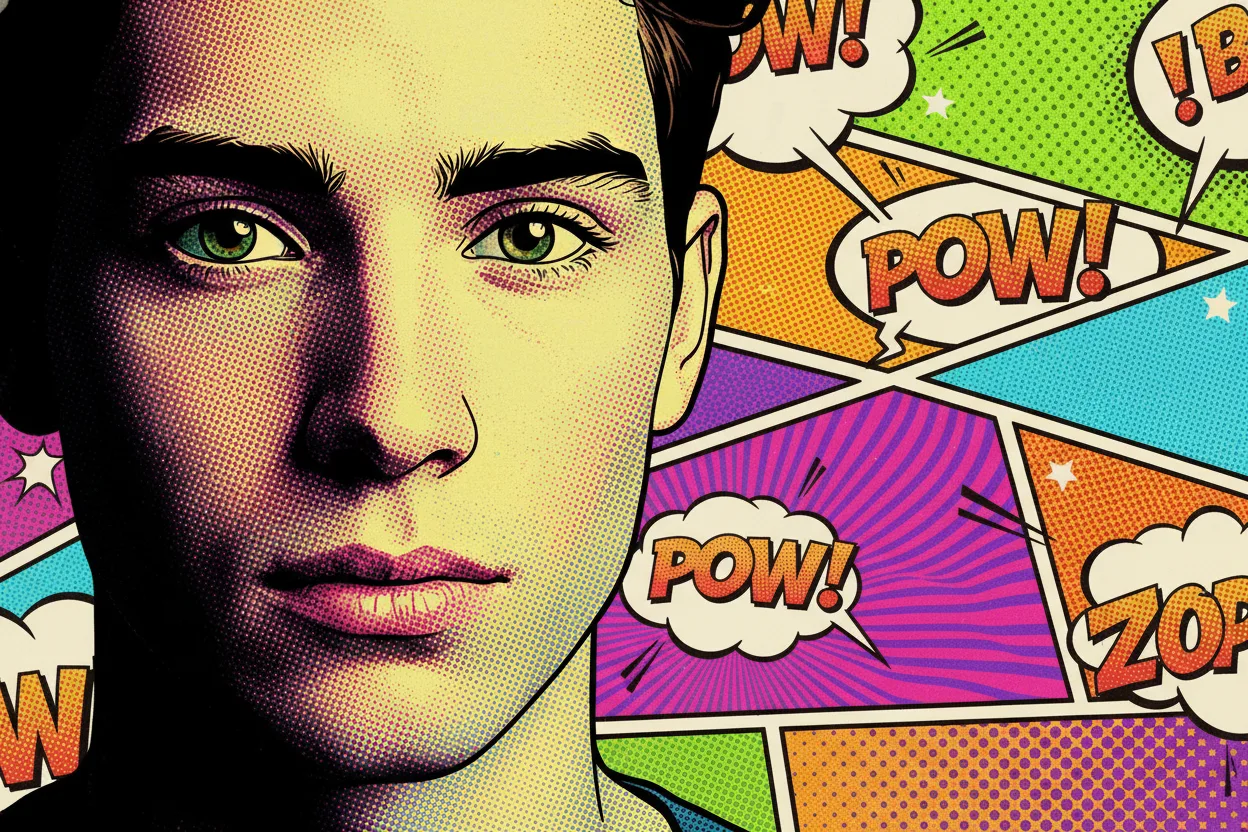
Want to transform one photo into multiple pop art and comic looks without spending hours writing prompts? This guide gives you 10 ready-to-use prompts plus example outputs so you can test styles quickly.
You will get:
- 10 prompt templates you can copy directly
- 6 before/after visual examples
- One-click "Try this Prompt" links for faster testing
How to Use This Guide
- Upload one clear portrait photo.
- Pick a style prompt below and run it.
- Keep the same input photo when comparing styles.
Style reference note: terms like "Bob's Burgers," "Keith Haring," "Roy Lichtenstein," and "90s Marvel" are used for visual direction only. Avoid trademarked logos, characters, and official brand assets.
Quick Prompt Formula
Use this structure when customizing any style:
[Subject] + [Art style] + [Linework] + [Color palette] + [Texture/material] + [Composition] + [Negative constraints]
Example:
Portrait photo + comic pop art + thick black outlines + vivid cyan/yellow/magenta + halftone texture + centered bust shot + no photoreal skin detail
10 Copy-and-Paste Prompts
1. AI Comic Pop Art Generator
Copy this prompt:
Transform the uploaded photo into bold, colorful comic-book pop art with thick black outlines, halftone shading, and vibrant CMYK-inspired patterns.
Best for: social avatars, posters, creator branding
Before:
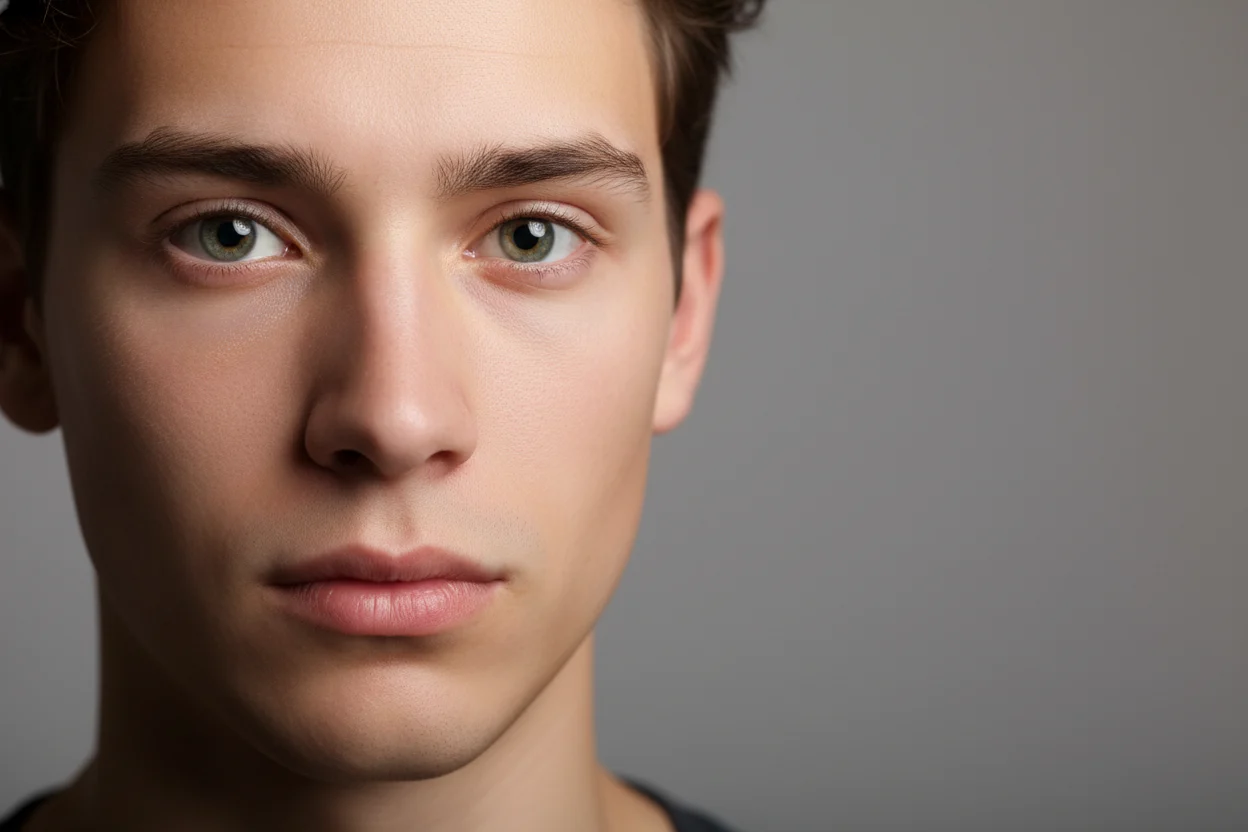
After:
2. Turn Yourself Into Bob's Burgers Cartoon Characters
Copy this prompt:
Transform the uploaded photo into a cartoon style inspired by Bob's Burgers, using flat colors, clean outlines, simple facial features, and quirky proportions.
Best for: fun profile photos, meme content, character-style edits
Before:
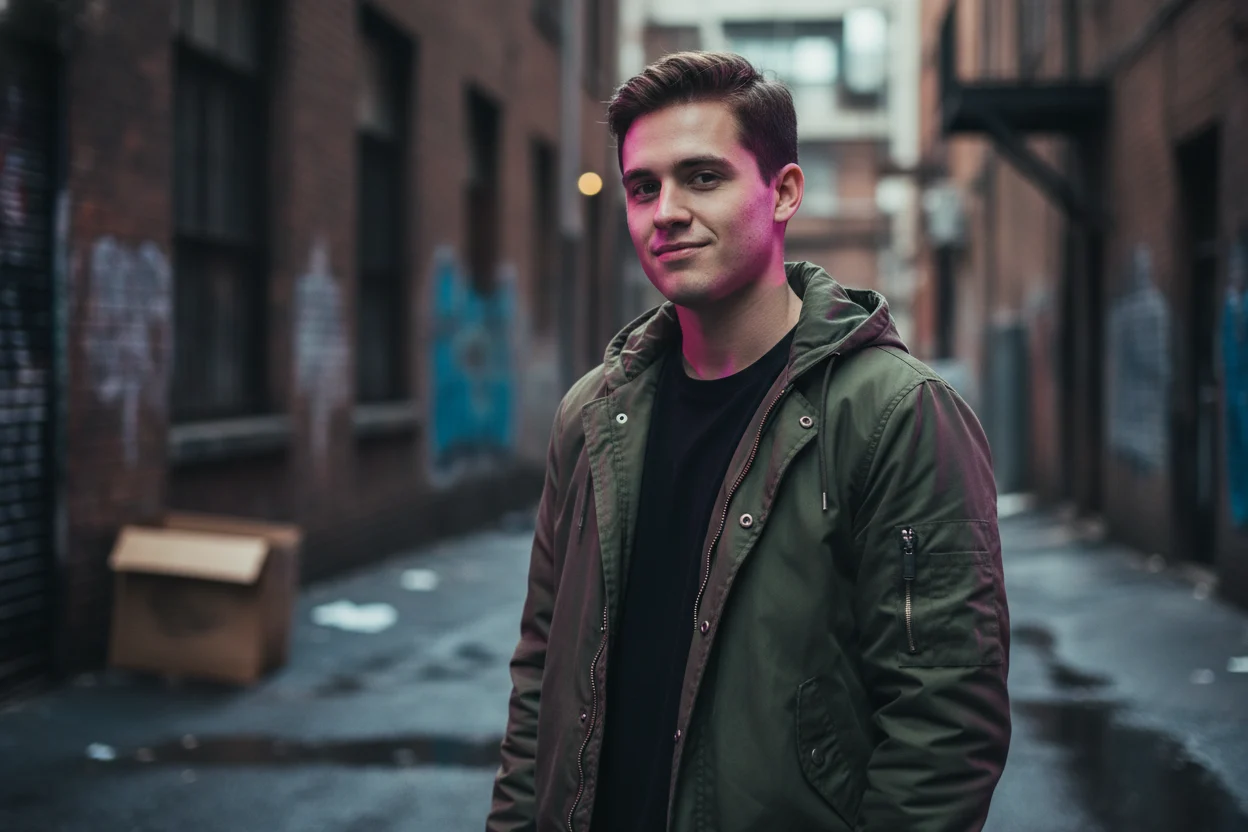
After:
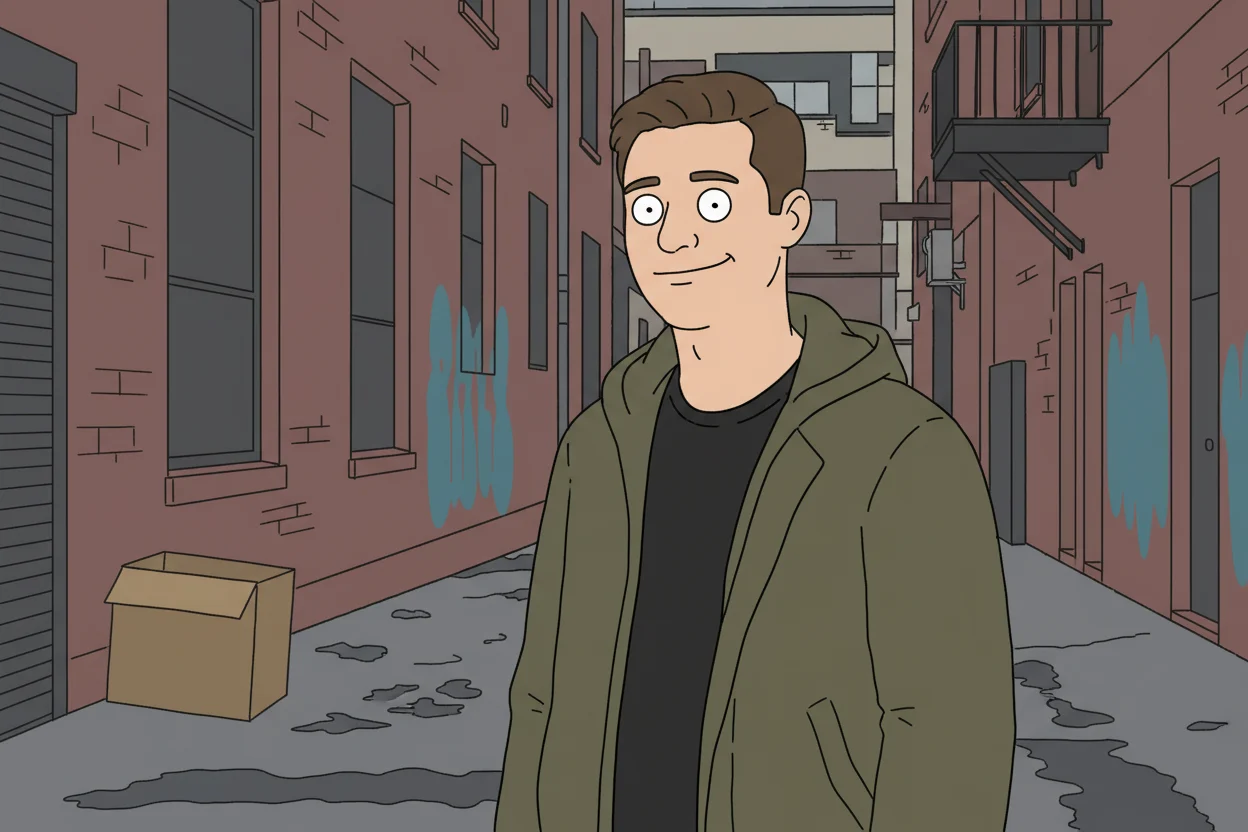
3. Turn Your Photo into a Surreal Avant-Garde Collage
Copy this prompt:
Transform the uploaded photo into a surreal avant-garde collage in modern mixed-media editorial style, with layered cutouts, texture overlays, and bold pop-art contrast.
Best for: editorial covers, fashion concepts, creative campaigns
Before:
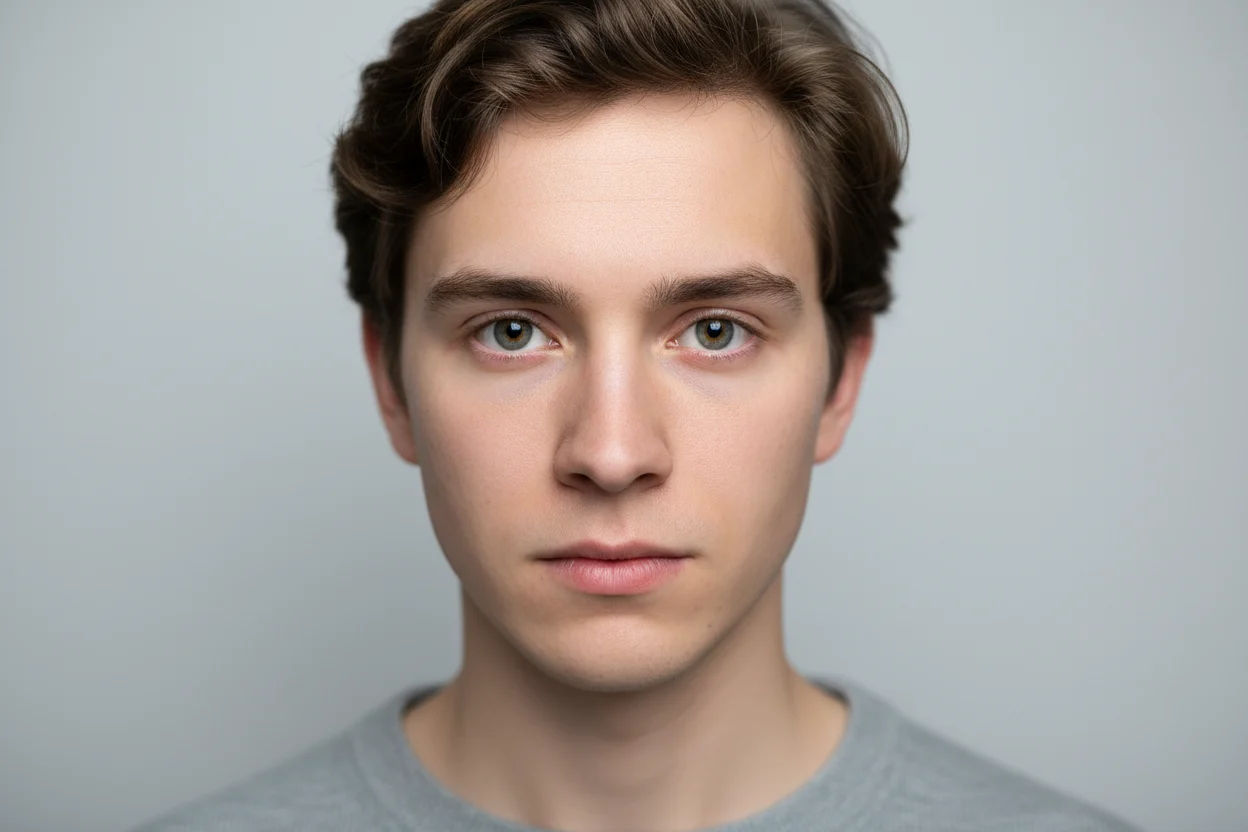
After:
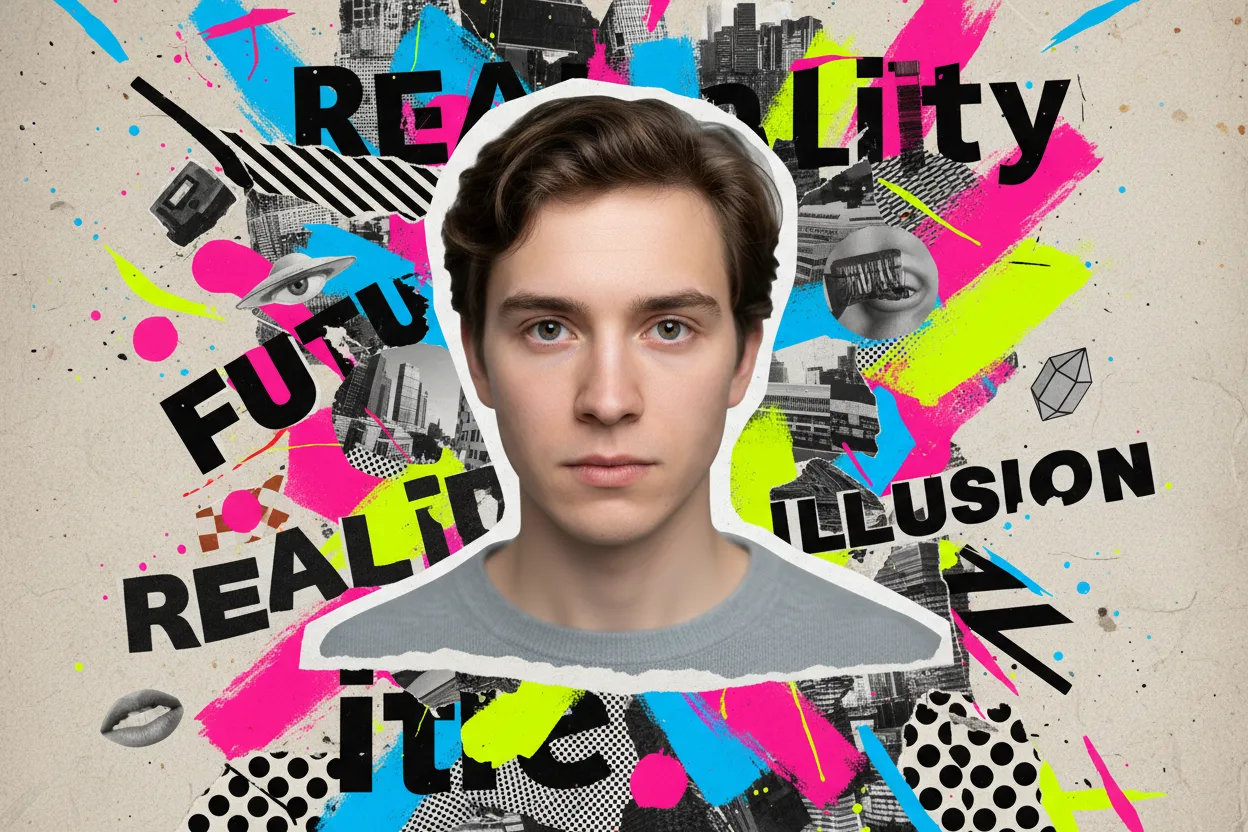
4. Turn Your Image into Keith Haring Pop Art Style
Copy this prompt:
Transform the uploaded photo into pop-art linework inspired by Keith Haring, with heavy black outlines, simplified forms, bright flat colors, and graffiti-style energy.
Best for: street-style visuals, youth campaigns, high-energy posters
Before:
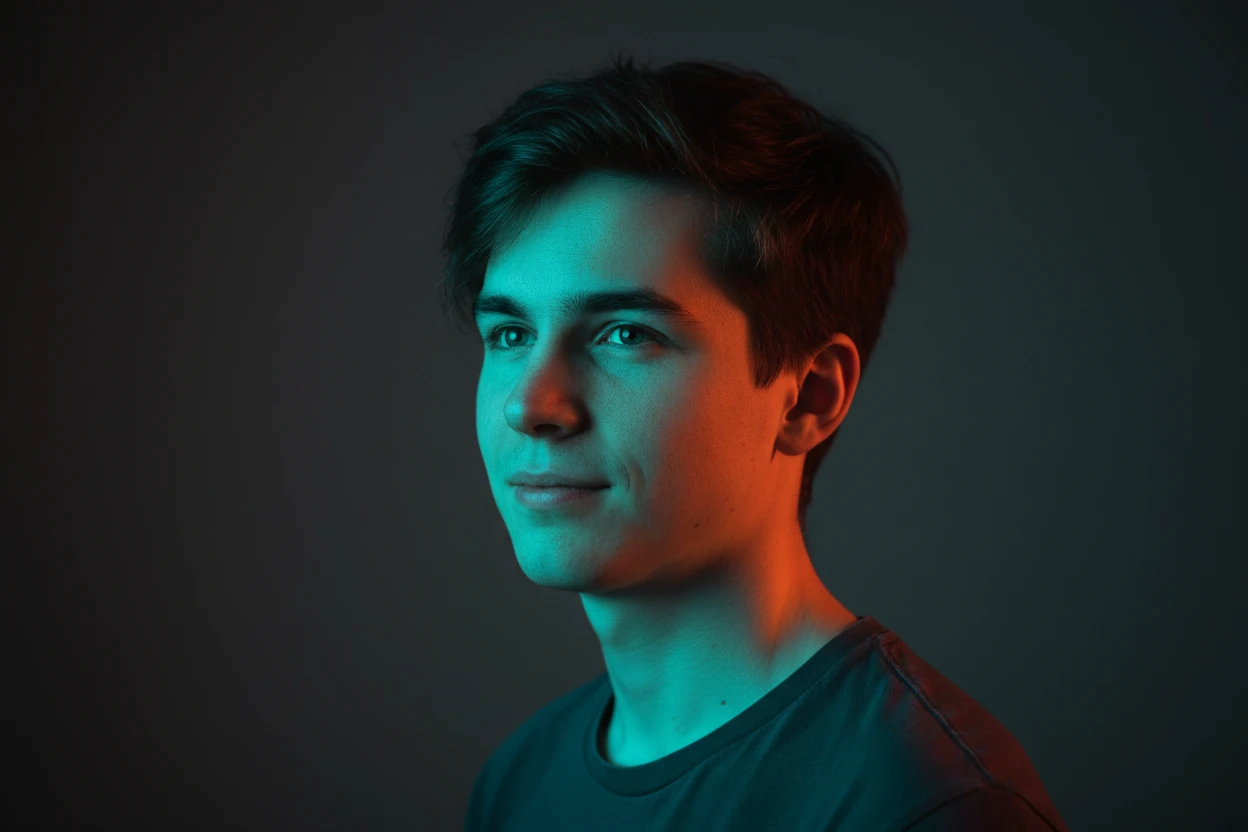
After:
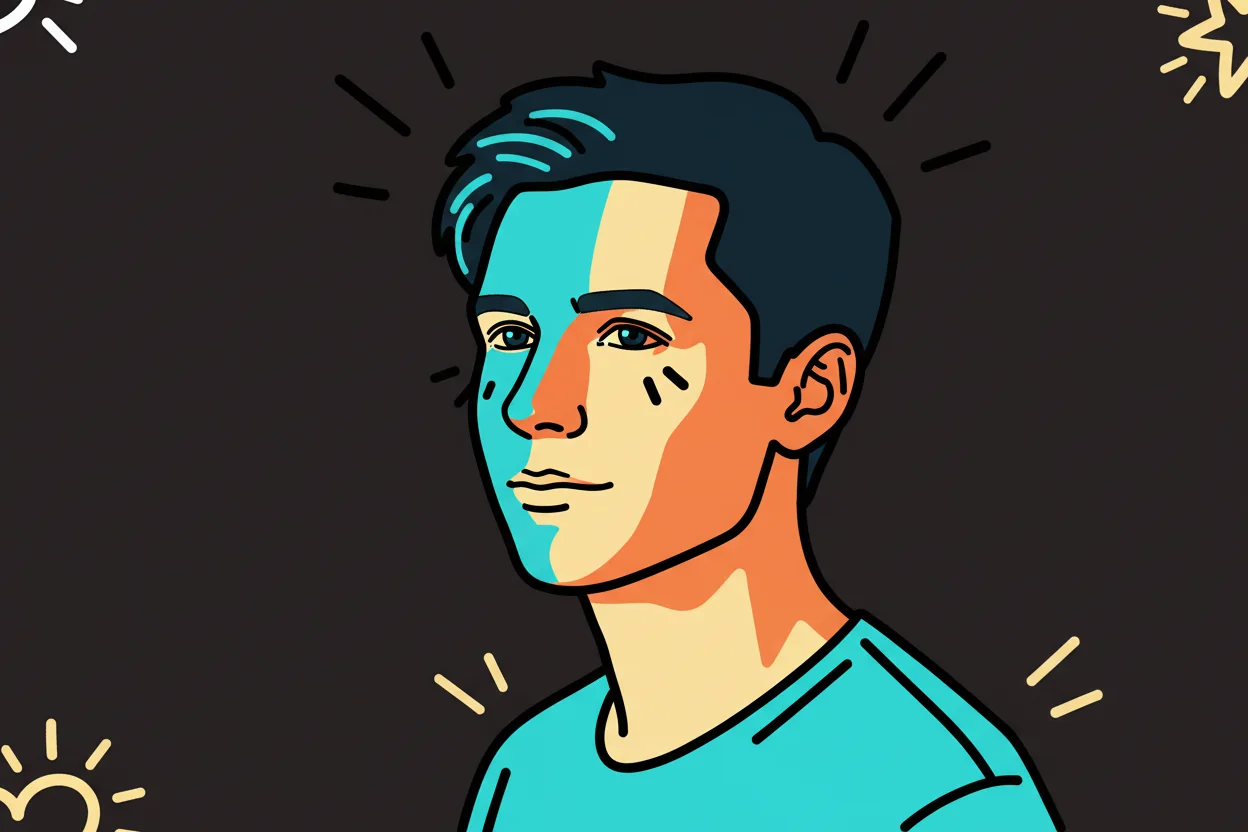
5. Turn Your Photos Into Modern Art Online Instantly
Copy this prompt:
Transform the uploaded photo into contemporary modern art with abstract geometry, expressive brush textures, balanced composition, and gallery-style color harmony.
Best for: portfolio covers, wall-art mockups, design experiments
Before:
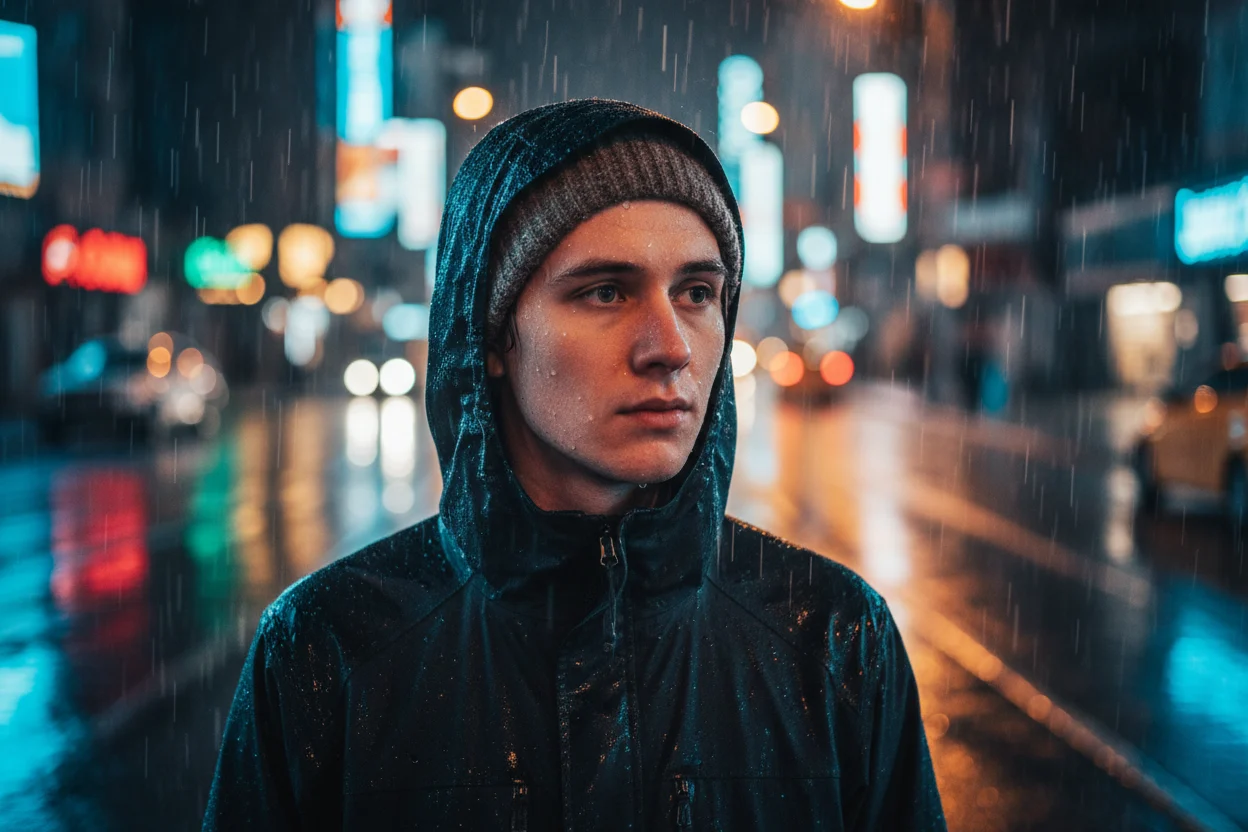
After:
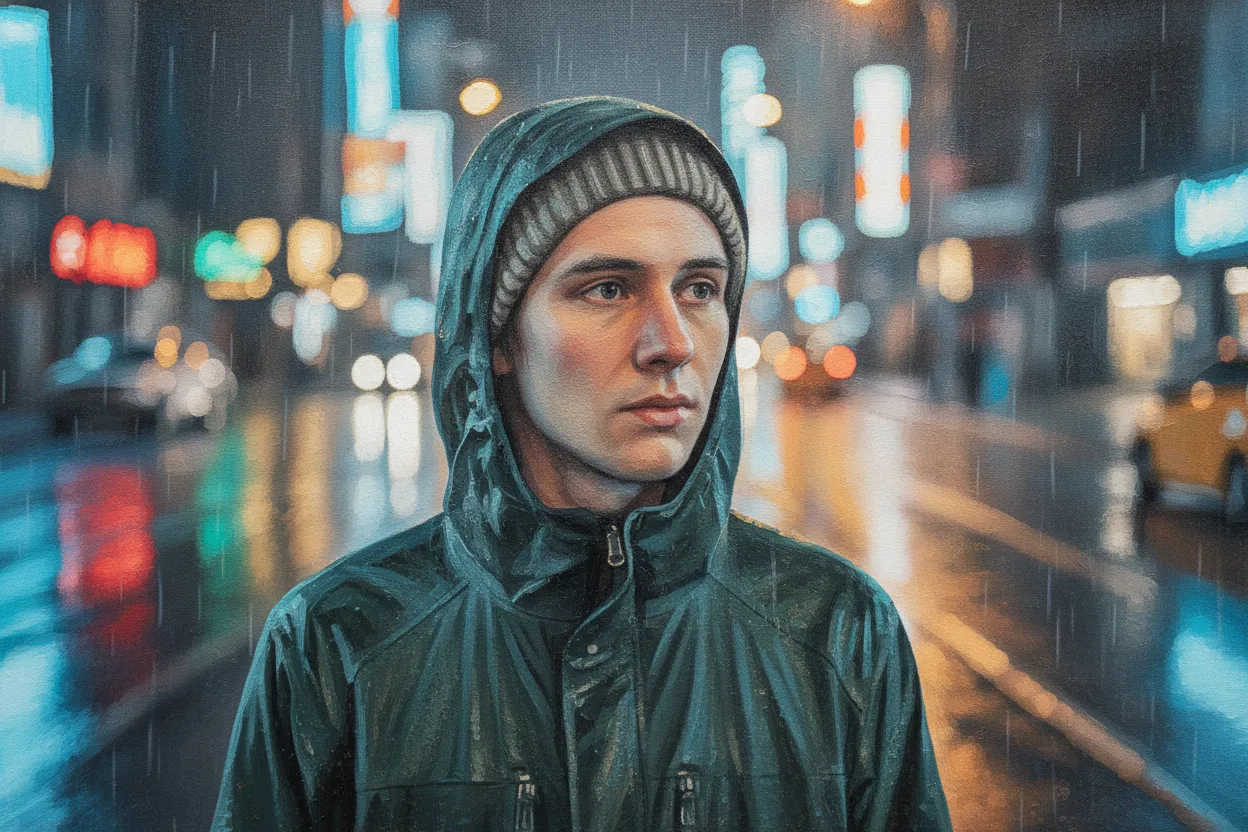
6. Create WPAP Pop Art Style Portrait
Copy this prompt:
Transform the uploaded photo into WPAP portrait style with geometric color planes, sharp polygonal facial segments, high contrast, and a clean plain background.
Best for: personal branding, poster portraits, merchandise art
Before:
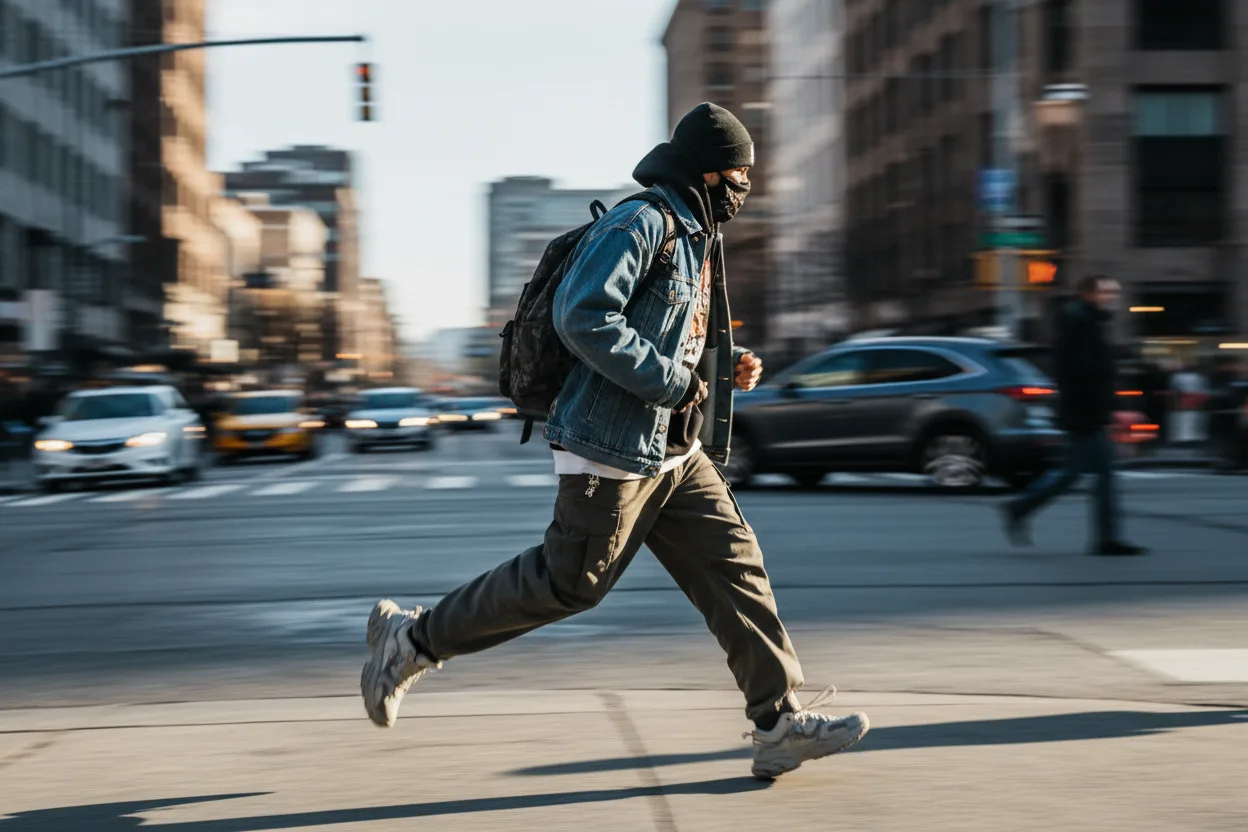
After:
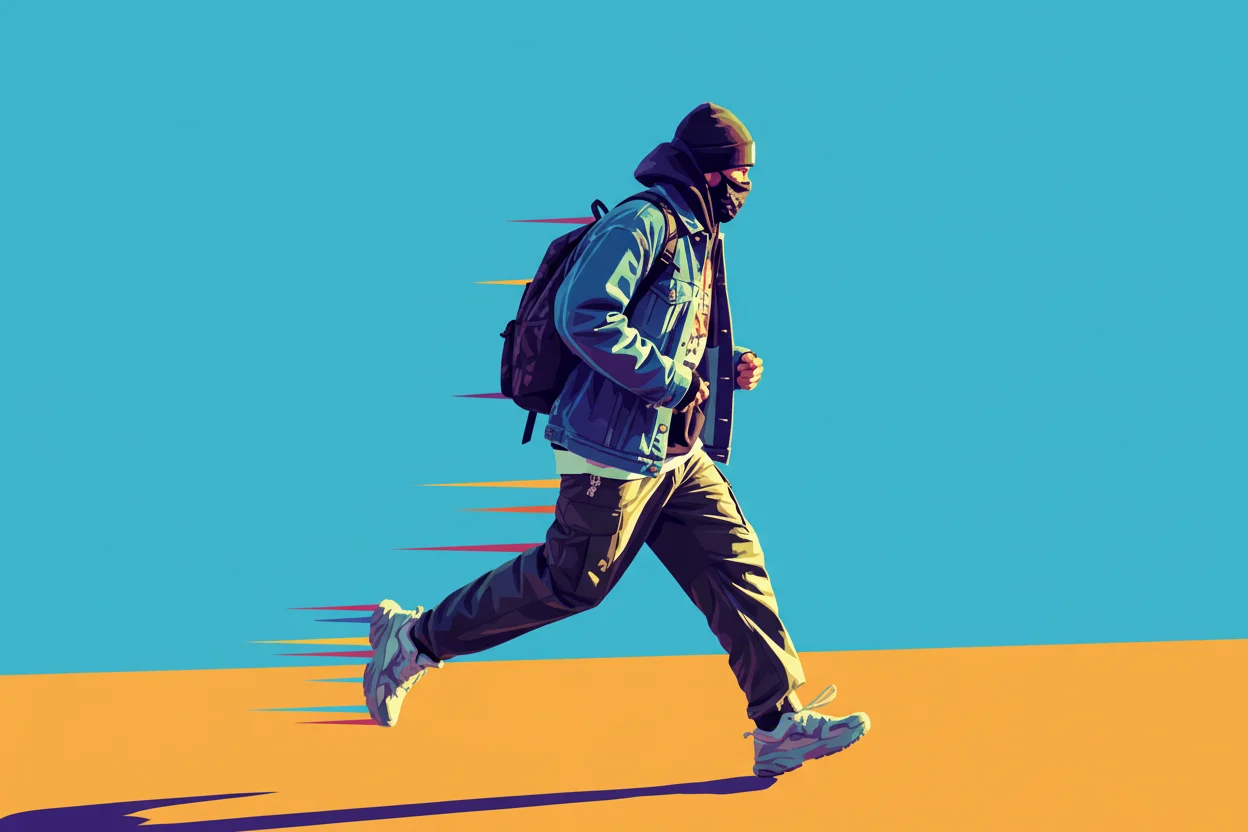
7. Turn Photo into Roy Lichtenstein Style Pop Art Design
Copy this prompt:
Transform the uploaded photo into pop-art inspired by Roy Lichtenstein, using Ben-Day dots, thick black contours, limited primary palette, and vintage comic print texture.
Best for: retro pop art visuals, comic-inspired ad creatives
8. AI Stencil Maker
Copy this prompt:
Transform the uploaded photo into a high-contrast black-and-white stencil design with tattoo-like clean lines, sharp edges, smooth contours, and minimal background.
Best for: sticker design, logo concepts, print-ready silhouette art
9. Hand-Drawn Illustration from Any Image
Copy this prompt:
Transform the uploaded photo into a playful hand-drawn illustration with bright natural lighting, soft colors, expressive outlines, and a warm whimsical mood.
Best for: children's content, lifestyle illustrations, friendly brand visuals
10. Turn Any Photo into a 90s Marvel Comic Portrait
Copy this prompt:
Transform the uploaded photo into early-1990s Marvel-inspired comic style with dynamic heroic proportions, thick ink outlines, tapered linework, saturated colors, airbrushed highlights, and bold halftone shadows. No photorealism.
Best for: character posters, gaming avatars, nostalgia content
Pro Tips to Improve Results
- Use one clear input portrait with good lighting and visible face details.
- Keep framing consistent (
close-uporhalf-body) when comparing styles. - Add output constraints when needed:
no text,no watermark,no photorealism. - If colors look muddy, add palette hints like
high contrast,bright flat colors, orCMYK-inspired.
Common Fixes
Output looks too realistic
Add: highly stylized, no photorealism, strong outlines.
Faces drift too much
Add: preserve facial identity, preserve hairstyle, preserve face shape.
Too many background artifacts
Add: clean background, minimal background details.
FAQ
Do I need to use the full prompt every time?
No. Start with the base prompt, then add one to three modifiers for composition and color.
Which styles are best for profile pictures?
Comic Pop Art, Bob's Burgers-inspired cartoon, WPAP, and 90s Marvel-inspired comic are usually the strongest for avatars.
How can I make output more consistent across many images?
Keep your style words fixed, and only swap subject details between prompts.
Ready to test these styles? Start generating on Nano Banana or explore more ideas in the Prompt Library.
Related Posts
43+ Best Nano Banana Prompts: Complete Guide for Stunning AI Art in 2025
Master Nano Banana with our complete collection of 43+ proven prompts. From professional headshots to creative transformations, product design to gaming art - discover techniques that deliver exceptional results every time.
20 Free Nano Banana Prompts for Boys' Profile Pictures (2026)
Free copy-paste prompts to create stunning profile pictures for boys. Cinematic portraits, headshots, gaming avatars & more styles included.
20 Viral Nano Banana AI Prompts You Can Copy & Paste (2026 Edition)
Copy and paste these 20 trending Nano Banana prompts to create viral AI art instantly. From Funko Pops to Ghibli scenes, plush toys to game UI — all prompts tested and ready to use.